Easy CRM for Small Business

Empower your small business! Seamlessly manage service orders, clients, documents, and communications. Teamwork, calendar, costing, inventory, location mapping & more!

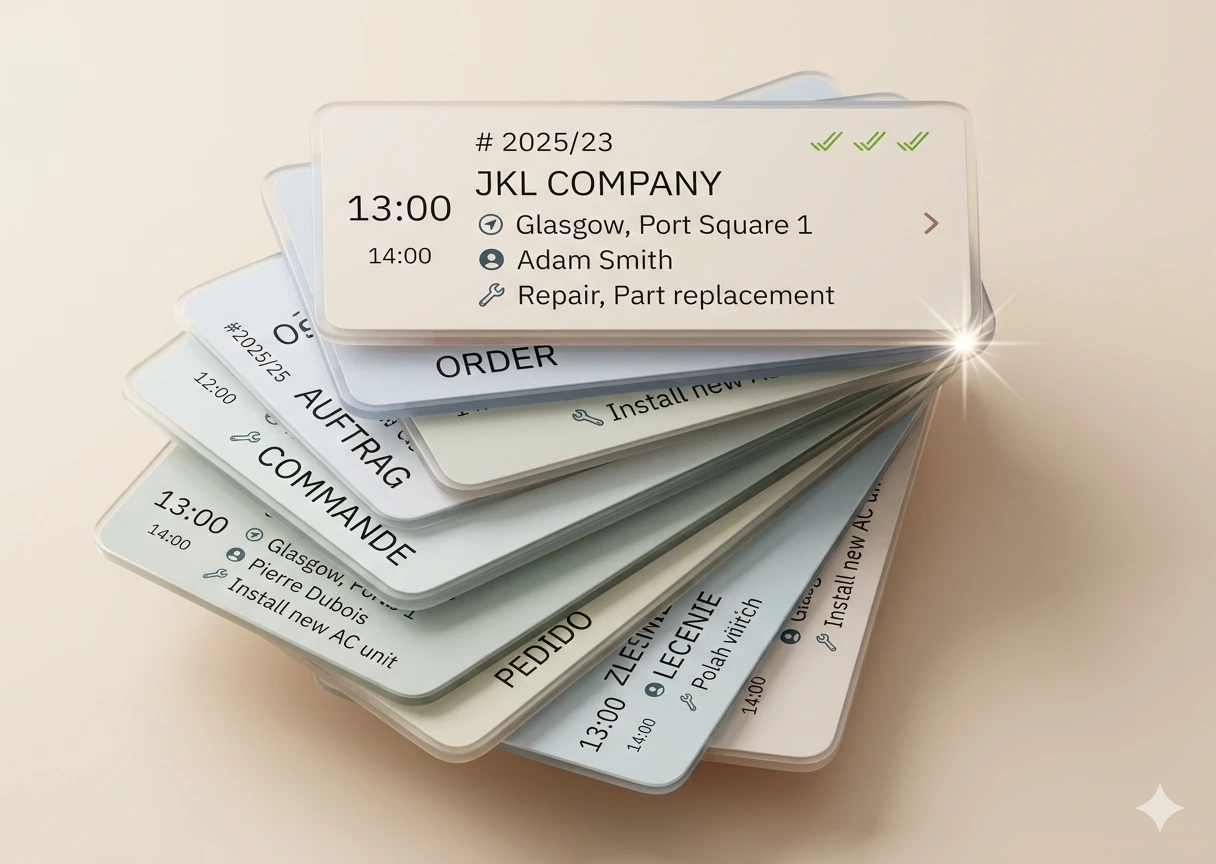
Smart Scheduling Without Overlaps

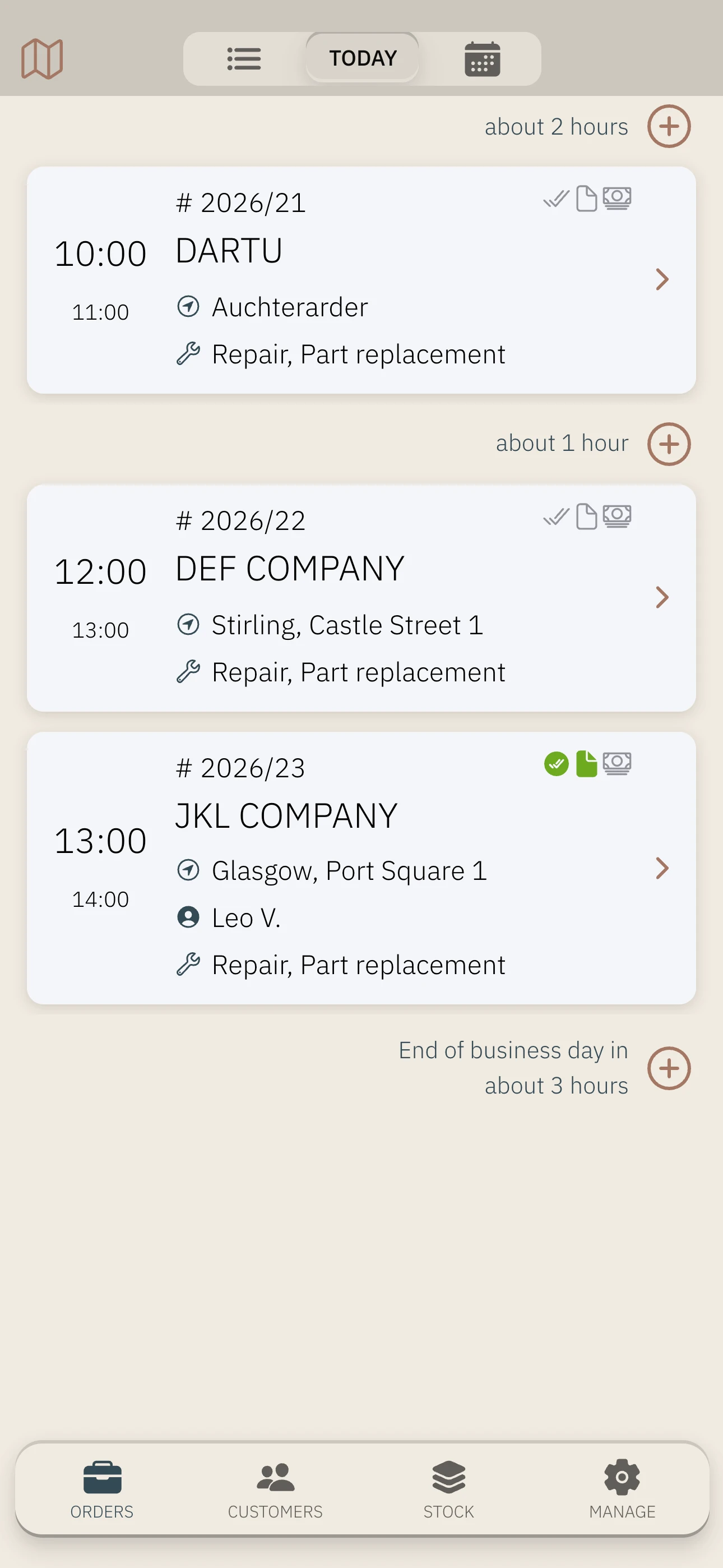
Stop worrying about double-bookings or chaotic paper calendars. The app automatically suggests the next available time slots, factoring in both your professional appointments and your private calendar. You get a quick overview of today’s tasks immediately, ensuring you start every morning with a clear plan. The flexible calendar view allows you to filter, sort, and group assignments to match your specific workflow. You can also attach essential photos, documents, or links directly to each job for easy access. This centralized command center keeps your daily schedule organized and professional.

Comprehensive Client Knowledge Base

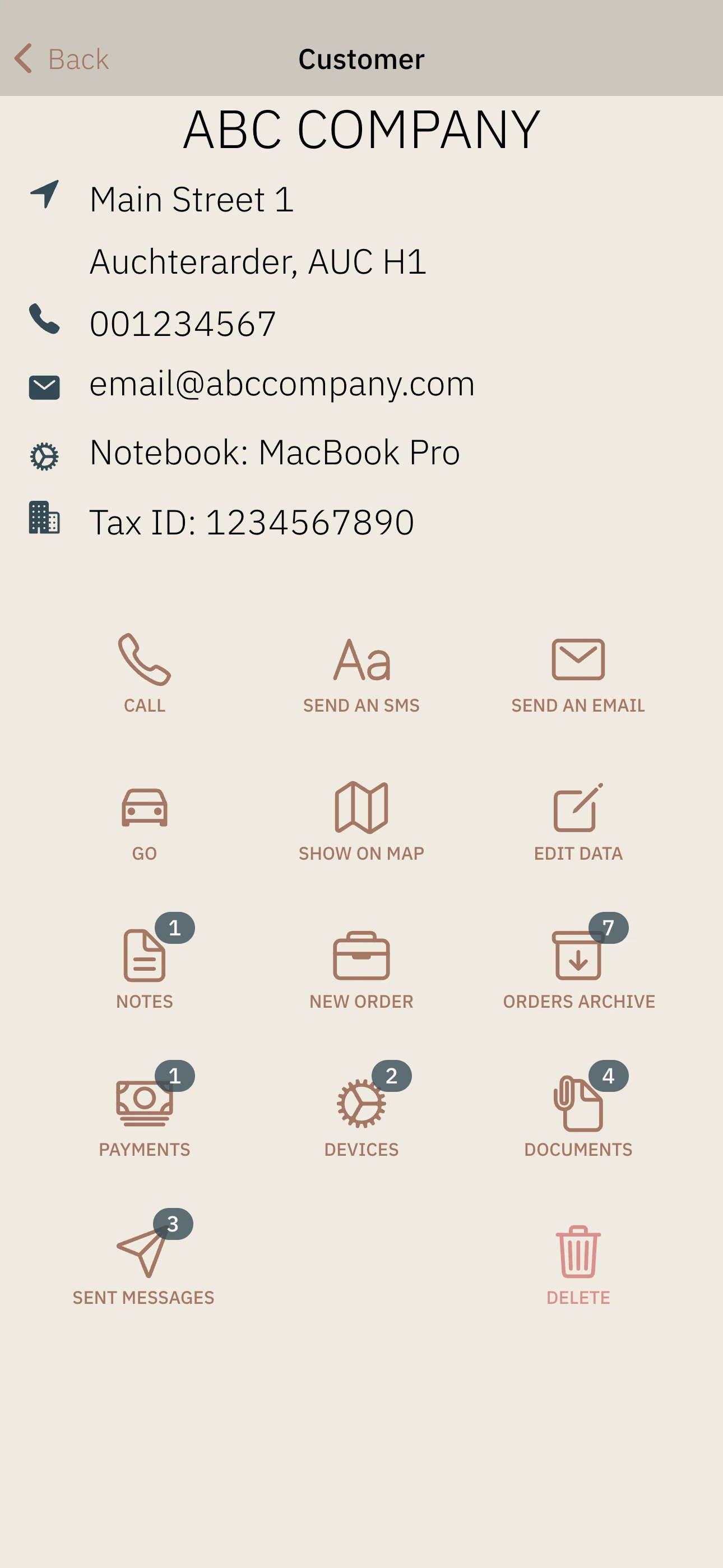
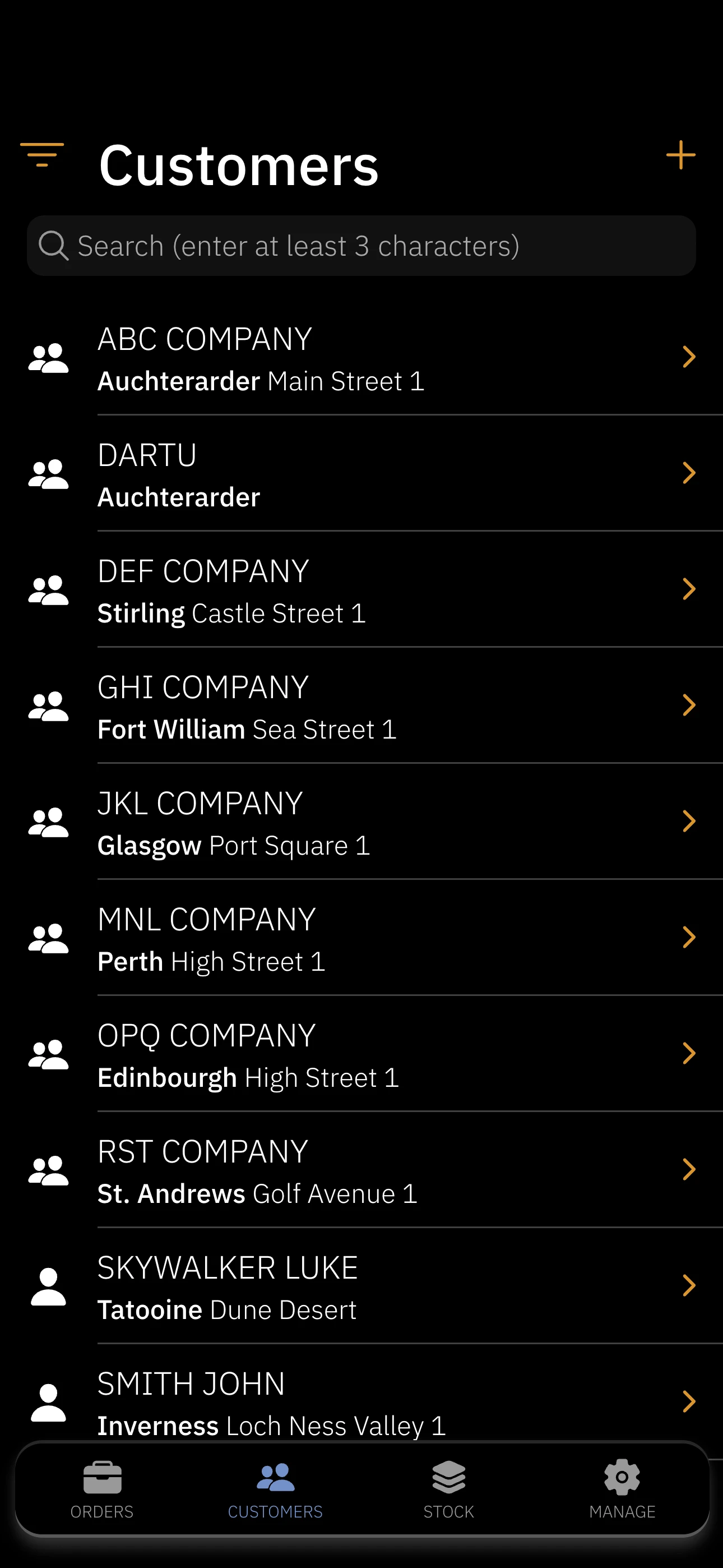
Build stronger business relationships by keeping a full history of your cooperation in one secure place. You can create new client profiles instantly using VAT numbers (available in PL) or by importing existing contacts directly from your device. Group your clients however you like to better manage different segments of your business. The system stores multiple phone numbers, email addresses, and personalized notes for every contact. By analyzing past service history, you can better anticipate your customers' future needs.

Seamless Team Collaboration

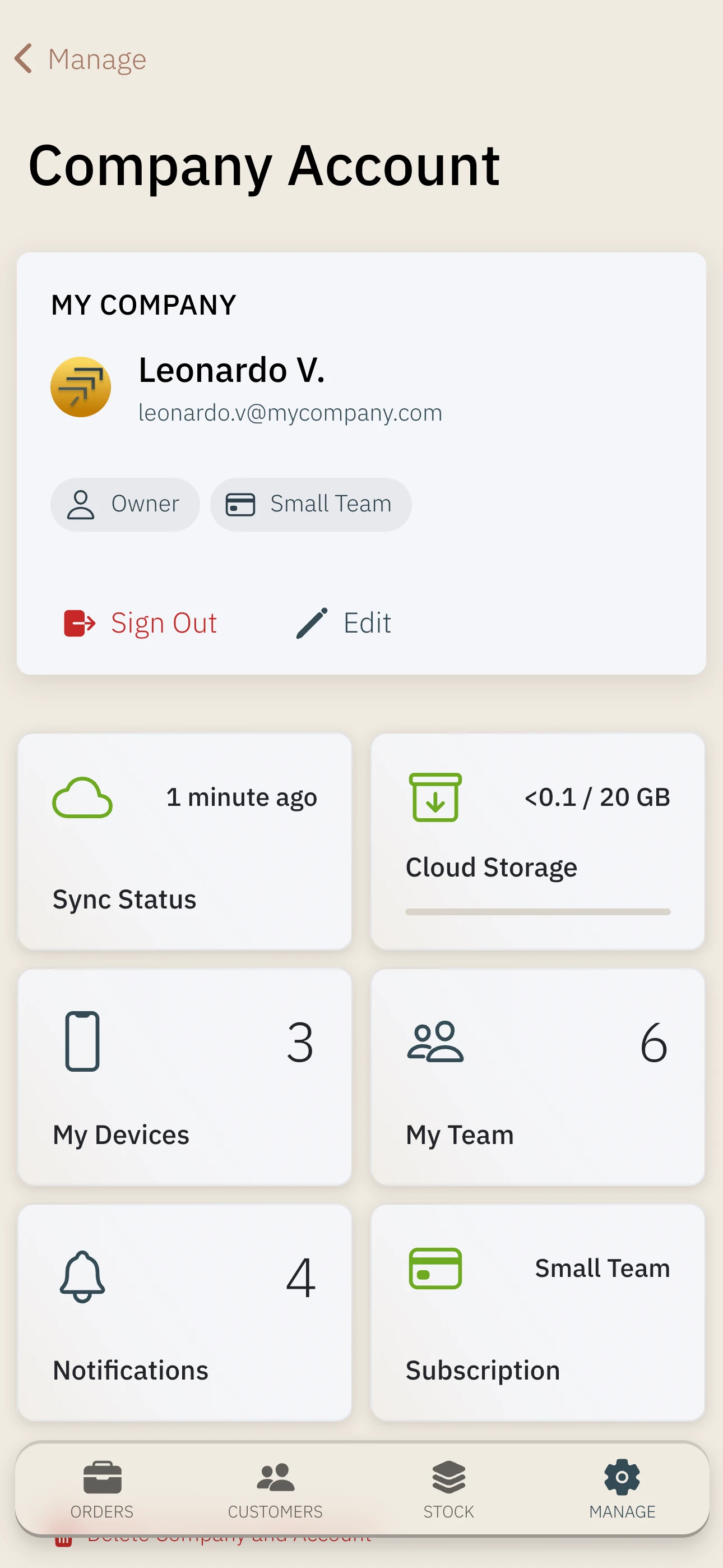
Scale your business by delegating tasks and sharing data across your entire team. You can assign specific jobs to individual employees and share all business data across the organization. The app supports different access levels based on user roles, ensuring that sensitive information remains secure. This collaborative environment removes communication silos and keeps everyone on the same page. Your team works more effectively when information flows freely.

Advanced Equipment and Installation Tracking

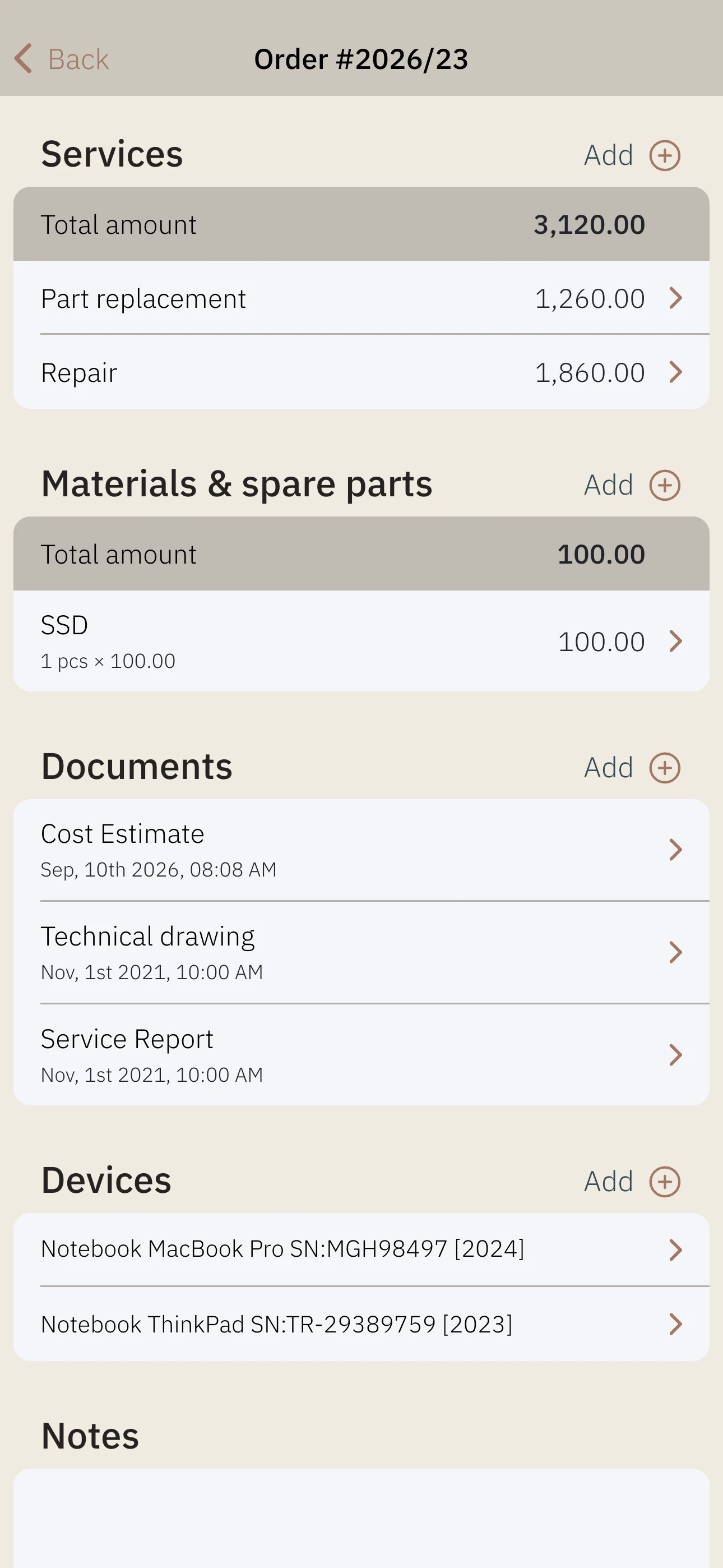
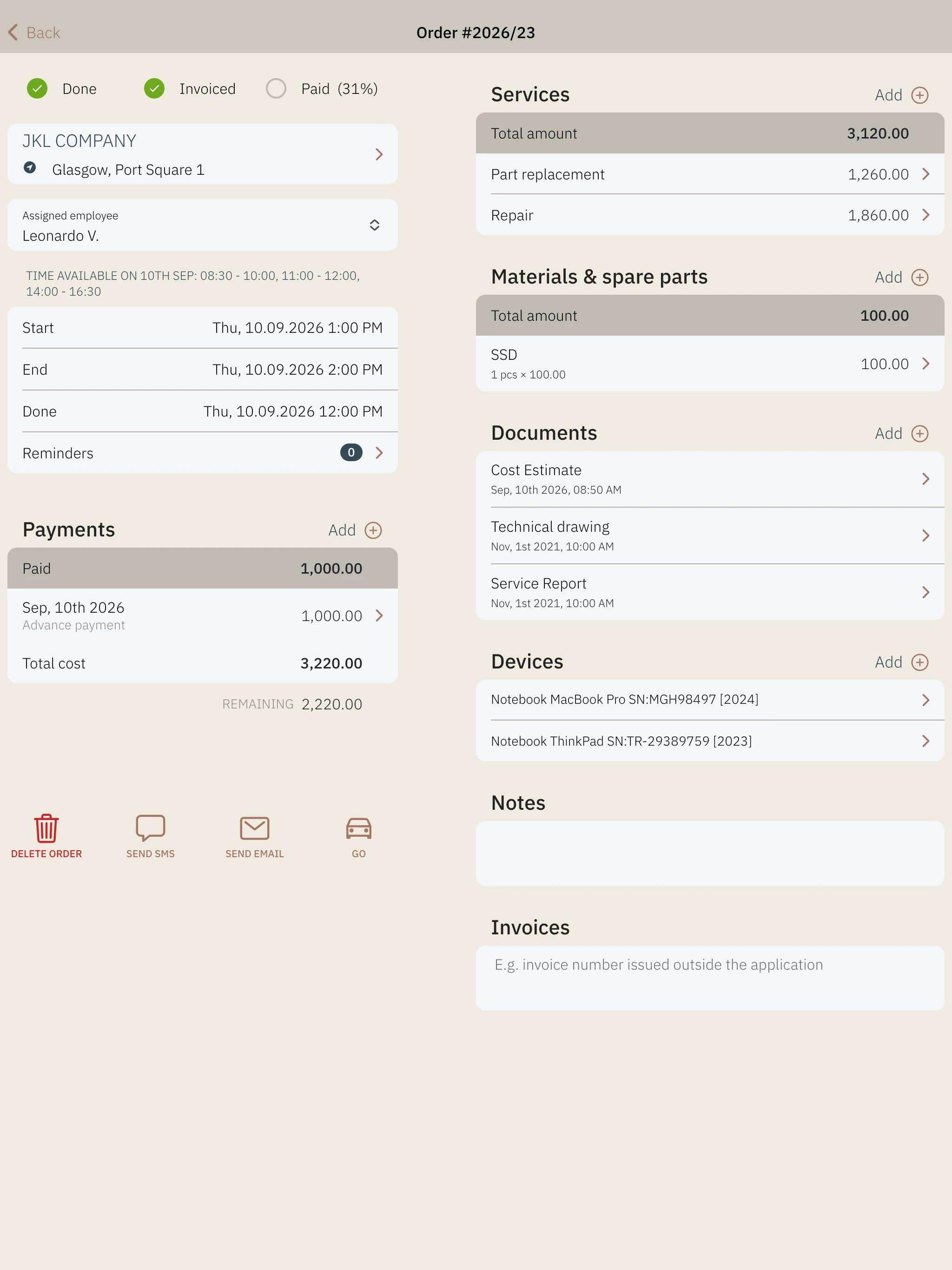
Manage technical details with ease by assigning specific devices or installations to your jobs. You can define custom parameters for any piece of equipment, ensuring you always have the right technical data at hand. The built-in barcode and QR code scanner allows for lightning-fast identification of hardware in the field. This feature is particularly valuable for maintenance workers who need to track service history for specific units over time. Moving your technical logs to a digital format prevents data loss and errors.

Precision Field Logistics and Navigation

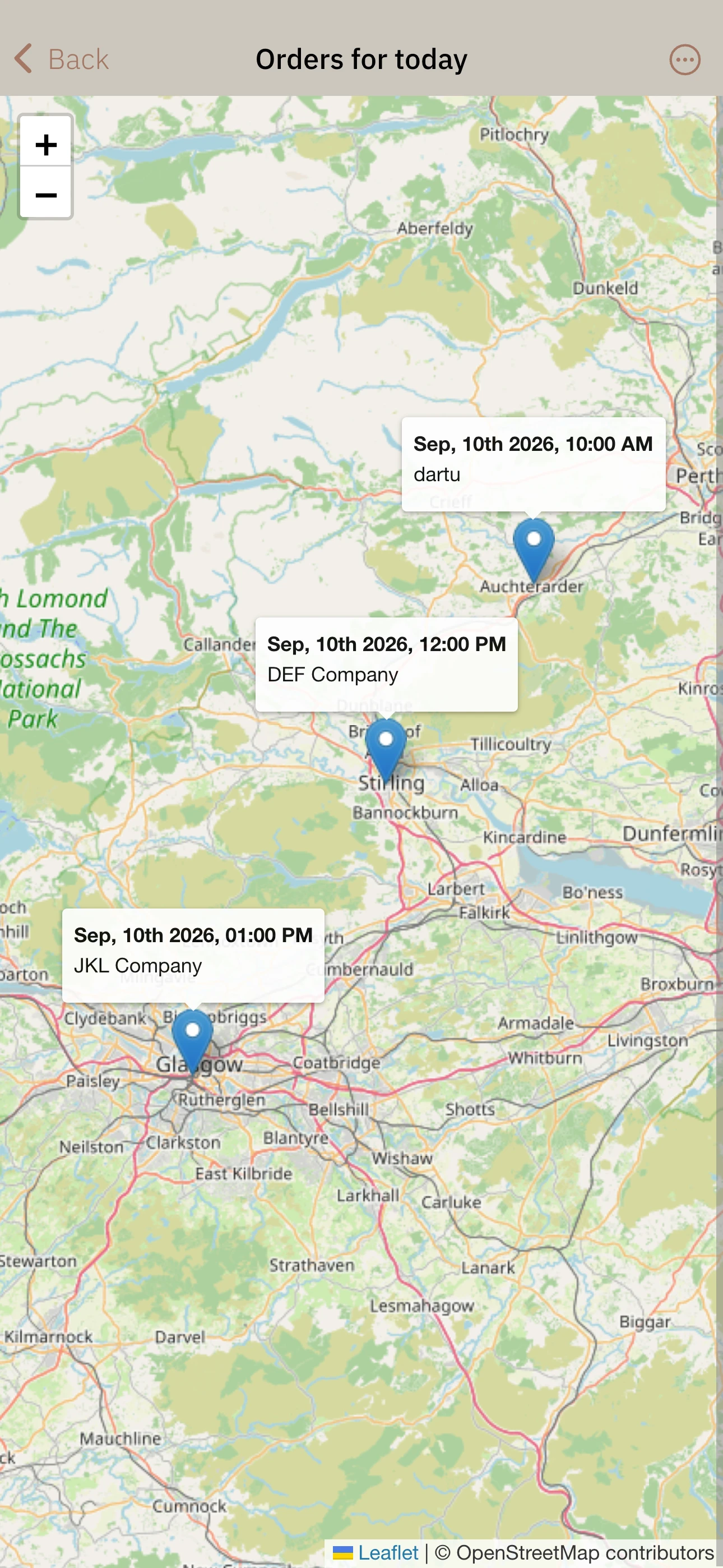
Save time on the road by visualizing all your scheduled assignments on an integrated map. This feature allows you to see exactly where your day takes you and optimize your travel routes between clients. You can launch navigation to a client’s specific location directly from the app, eliminating the need to manually type addresses. This is an essential tool for mobile professionals like technicians, assemblers, or plumbers who work across different sites. Increased efficiency in the field means more time spent on billable work.

Streamlined Inventory and Stock Management

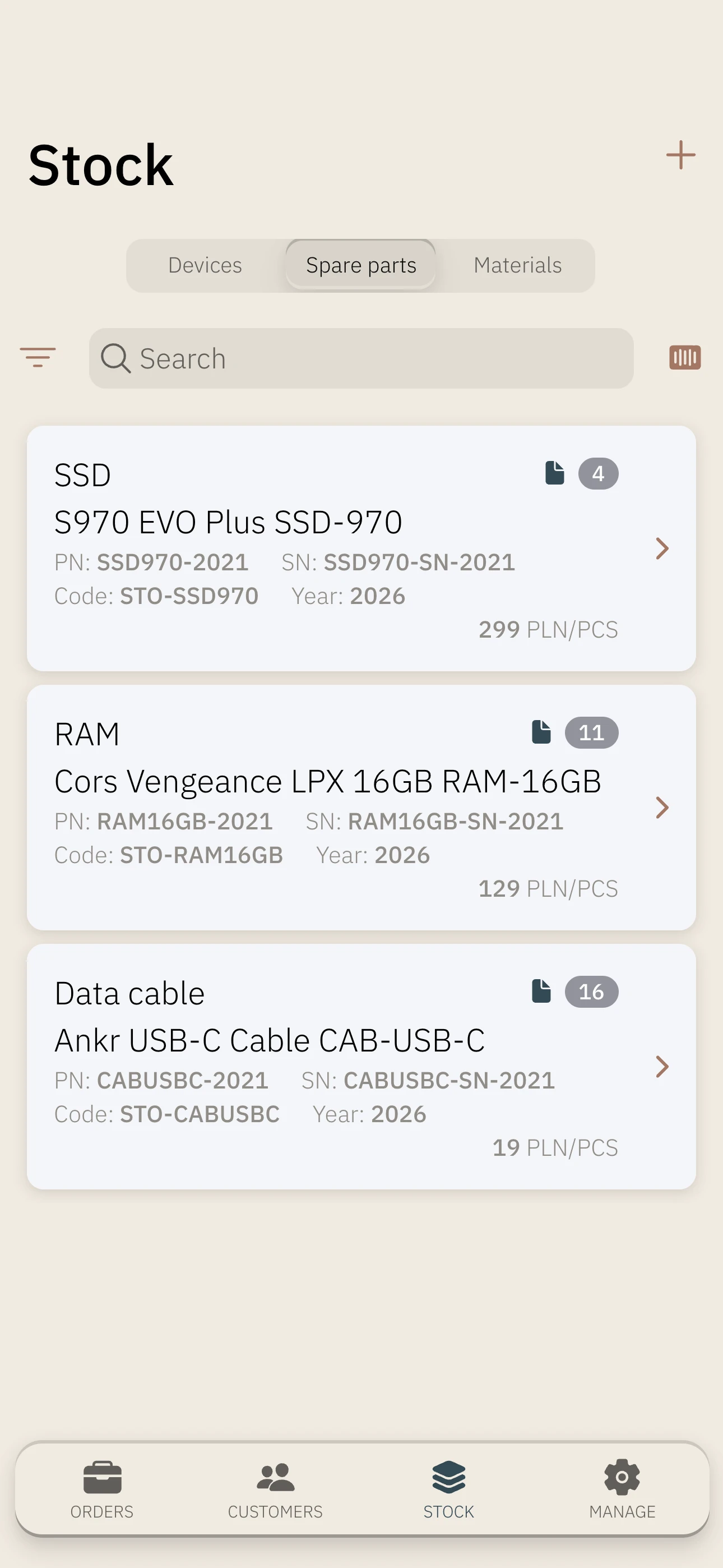
Never get caught off guard by missing spare parts or consumables again. The app provides a straightforward inventory management system to track your stock levels for materials and parts. You can easily import your current inventory data from a CSV file to get started quickly. This ensures you always know what is available in your warehouse or van before heading to a job. Proper stock management reduces delays and minimizes wasted resources.

Instant Professional Documentation

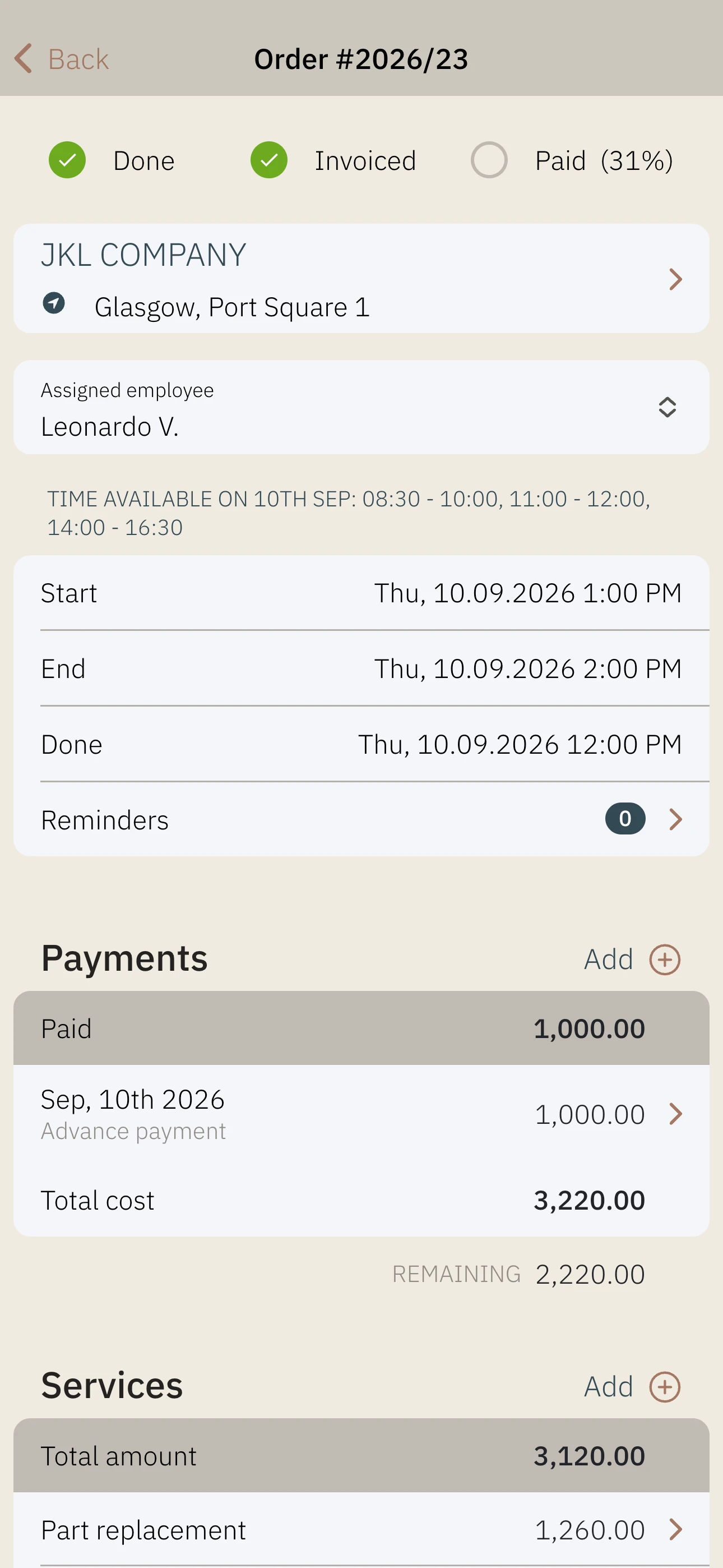
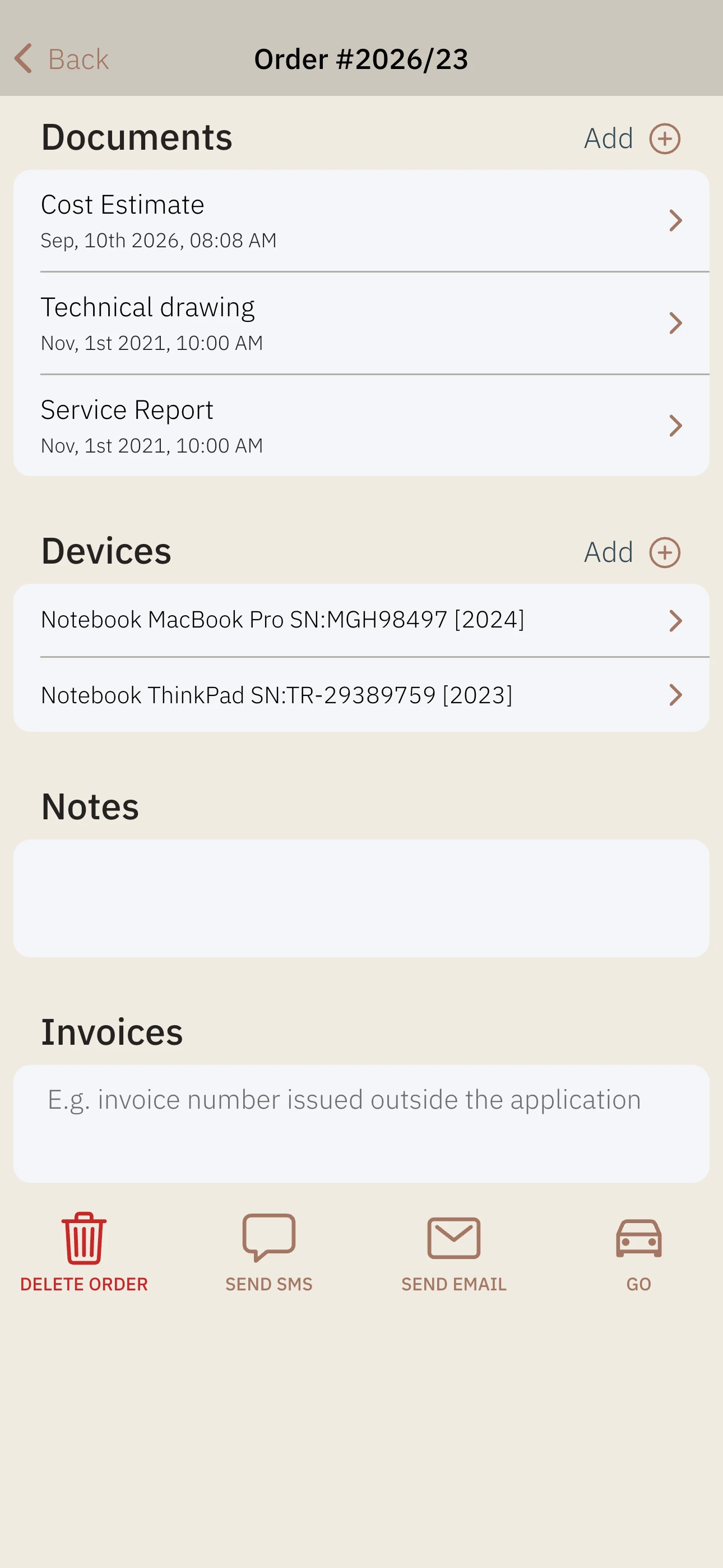
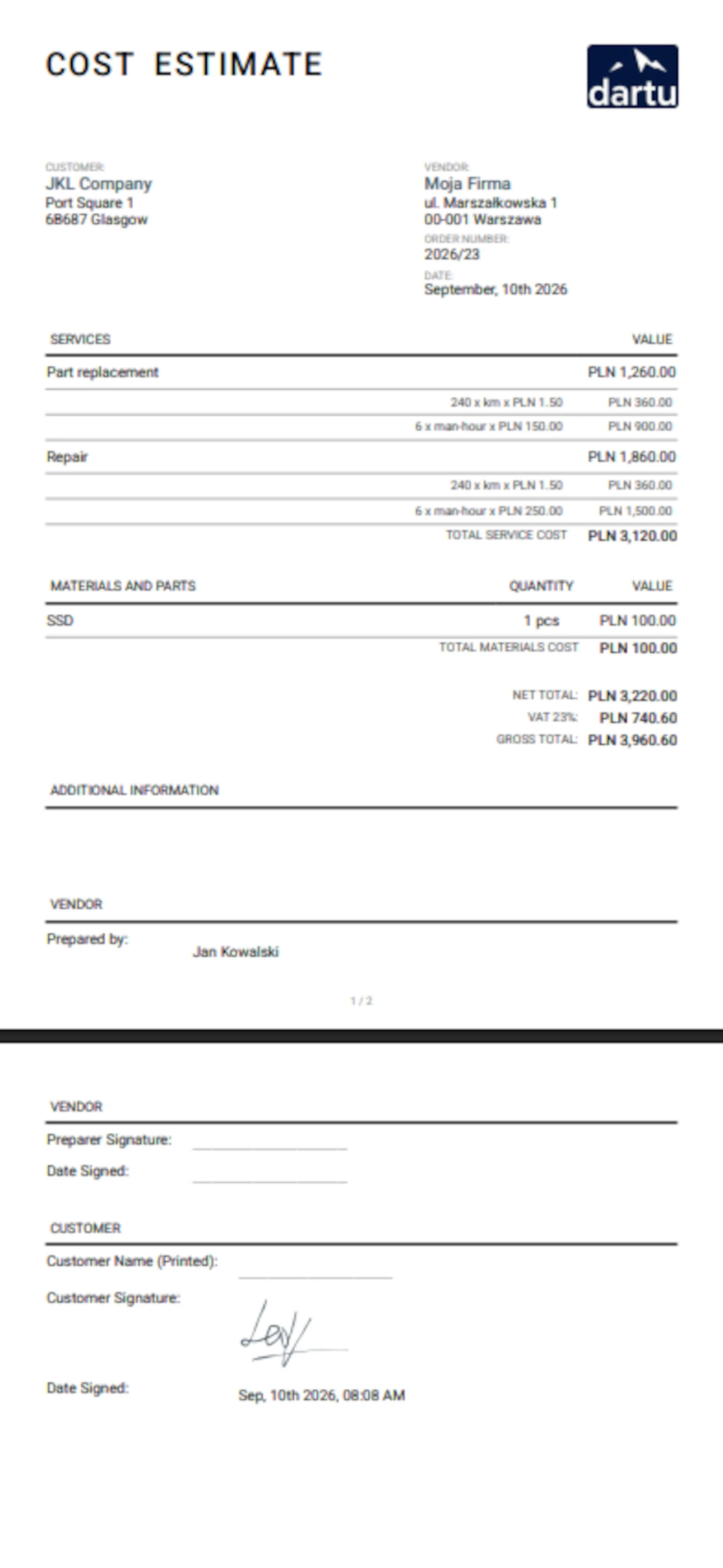
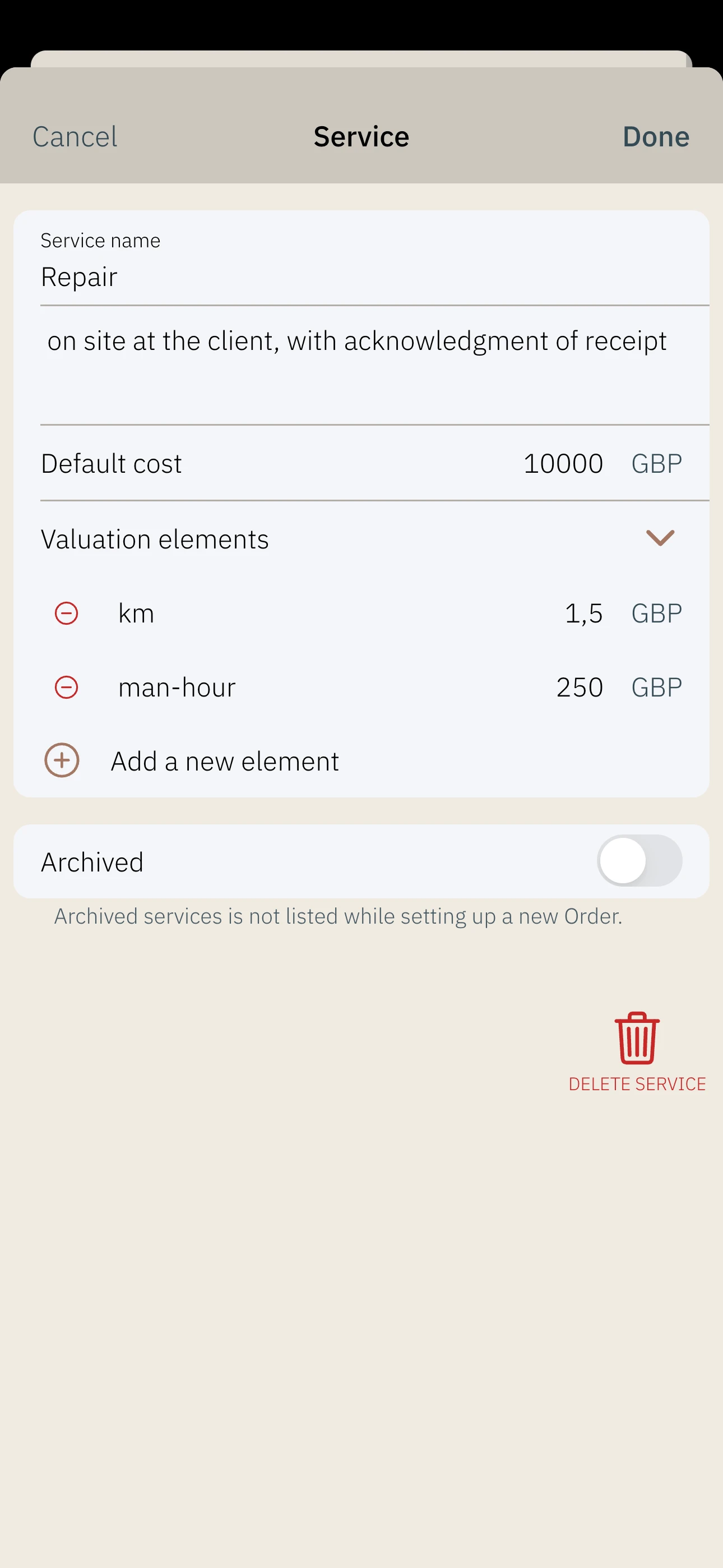
Generate high-quality business documents in seconds using pre-built, professional templates. You can create cost estimates, service reports, or final invoices while still on-site with the customer. The application supports flexible pricing, allowing you to calculate costs based on various components of the service. Every document generated is automatically linked to the specific job for perfect record-keeping. This speeds up your billing cycle and significantly enhances your professional image.

Automated Communication with Templates

Maintain consistent contact with your customers without the burden of repetitive typing. Create custom message templates to quickly confirm appointments or send status updates via SMS or email. The app allows you to make calls and send texts (for Android users) directly from the interface. You can also track the history of sent messages to ensure you never lose track of a conversation. Automating these routine interactions saves hours of admin time every week.

Total Control Over Payments and Cash Flow

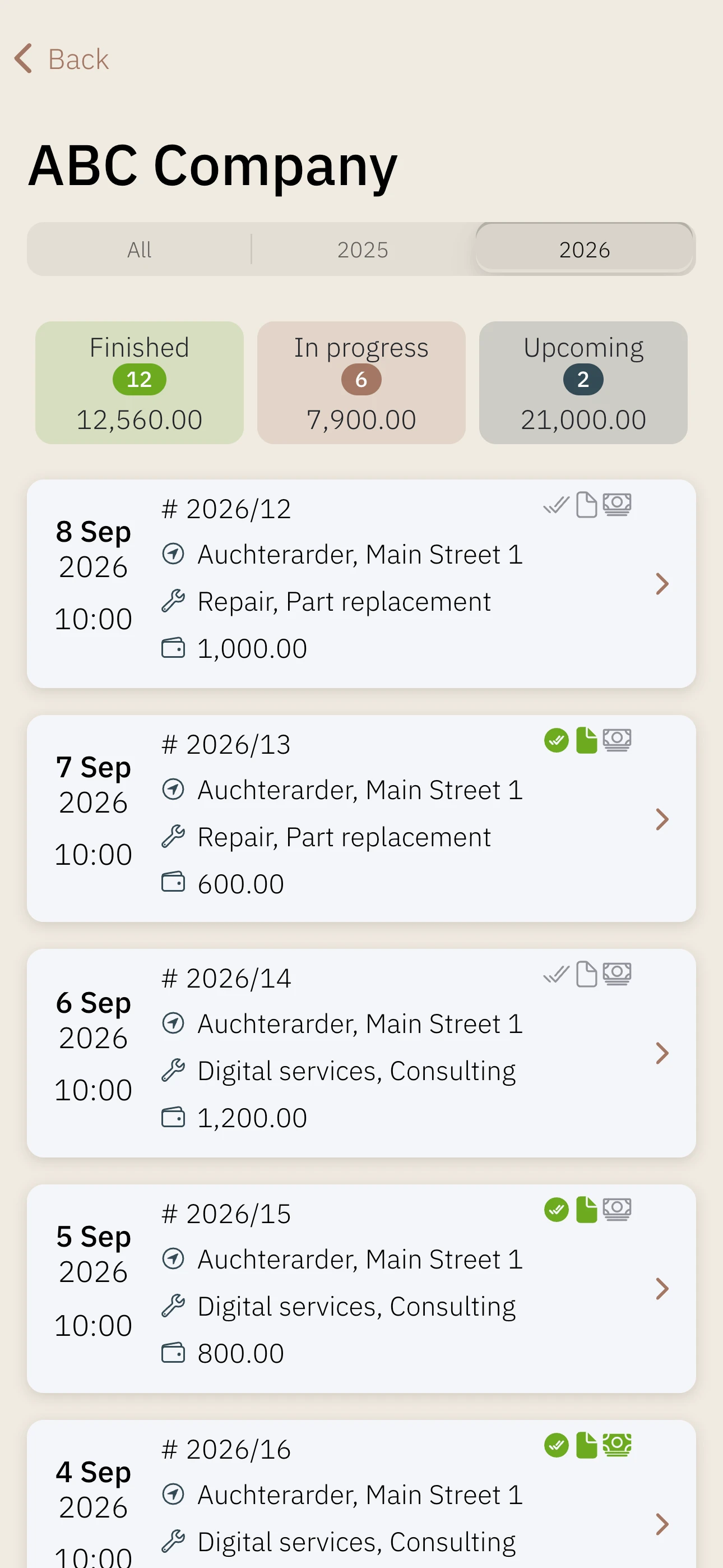
Stay on top of your finances by clearly tracking the status of every single assignment. You can mark jobs as completed, invoiced, or paid with just a few taps. This real-time visibility helps you identify outstanding payments quickly and manage your company’s liquidity. The app stores detailed information about every payment made, creating a clear financial trail. Better financial tracking leads to a more stable and predictable business.

Reliable Cloud Sync and Offline Mode

Work with total confidence even in areas with no internet connection, such as basements or remote sites. The app’s offline mode lets you record data anywhere, which then automatically syncs to the cloud once you’re back online. Your data is stored securely in the cloud, allowing you to access it from multiple devices simultaneously. This redundancy protects your business information against hardware failure or loss. Continuous access to your data ensures your business never stops moving.

Intelligent Reminders and Task Notes

Ensure that no detail is forgotten by setting up automated reminders for your assignments. You can save specific notes for every job or client to remember unique requirements or site conditions. The app also handles one-time customers efficiently, allowing you to record their needs without a complex setup. These small organizational tools help you provide a more personalized and reliable service. Free your mind from remembering every detail and let the app handle the tracking.

Adaptable for Every Trade

"At your service" is built to adapt to your specific profession rather than forcing you into a rigid structure. Regardless of the industry in which you carry out your orders, the app fits your needs. You can toggle specific features, like equipment tracking, on or off in the settings to streamline your interface. With the ability to define your own services and parameters, the tool becomes a custom-fit solution for your micro-enterprise. It’s a flexible platform designed to grow alongside your business.

Organize your service business.

Keep jobs, customers and stock close at hand. Get started with At your service and see how it can make your day-to-day work easier.

What’s new

Latestv5.6.6Sep 18, 2026

Thank you for using the At Your Service app! We regularly update the app to fix bugs, optimize its performance, and improve the user experience.

  • Bug fix when loading larger backup files.
v5.6
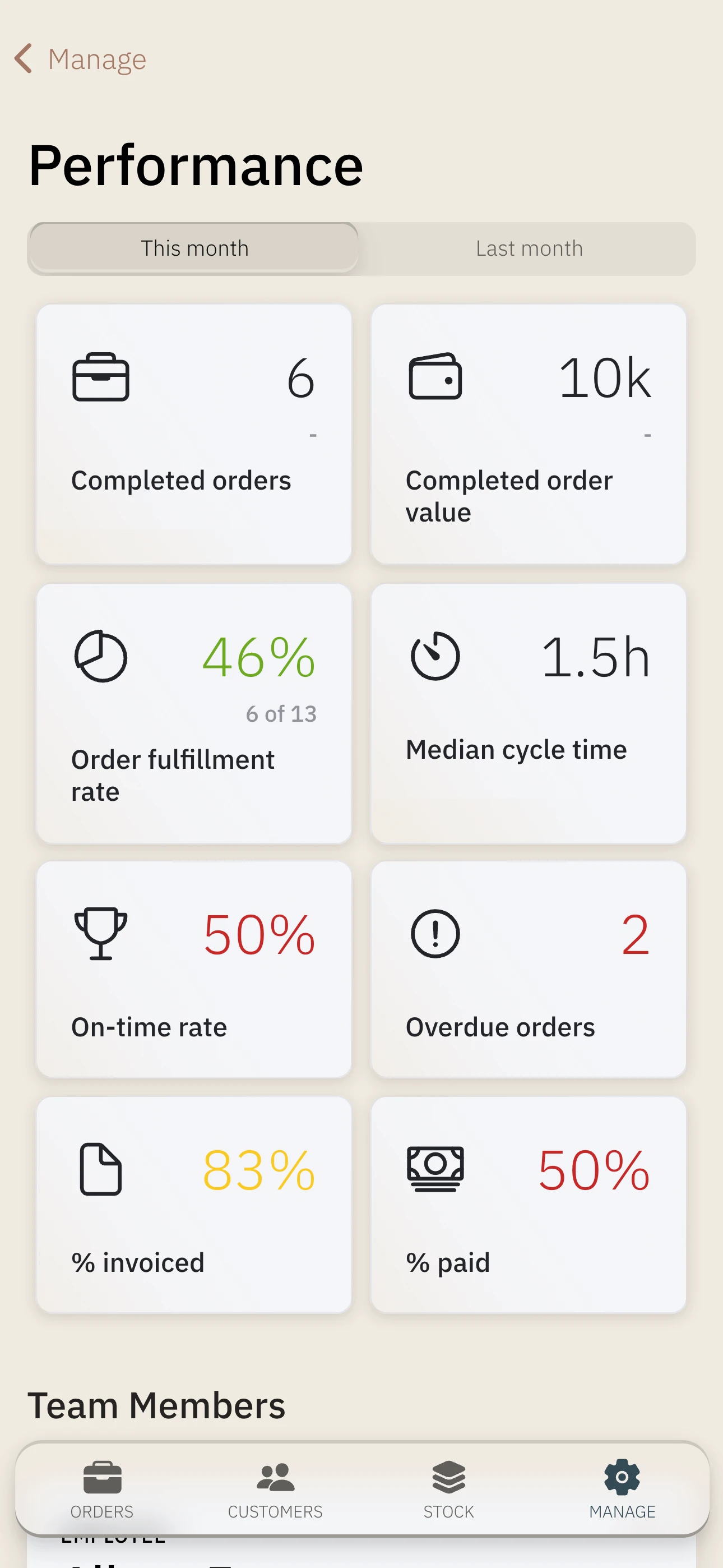
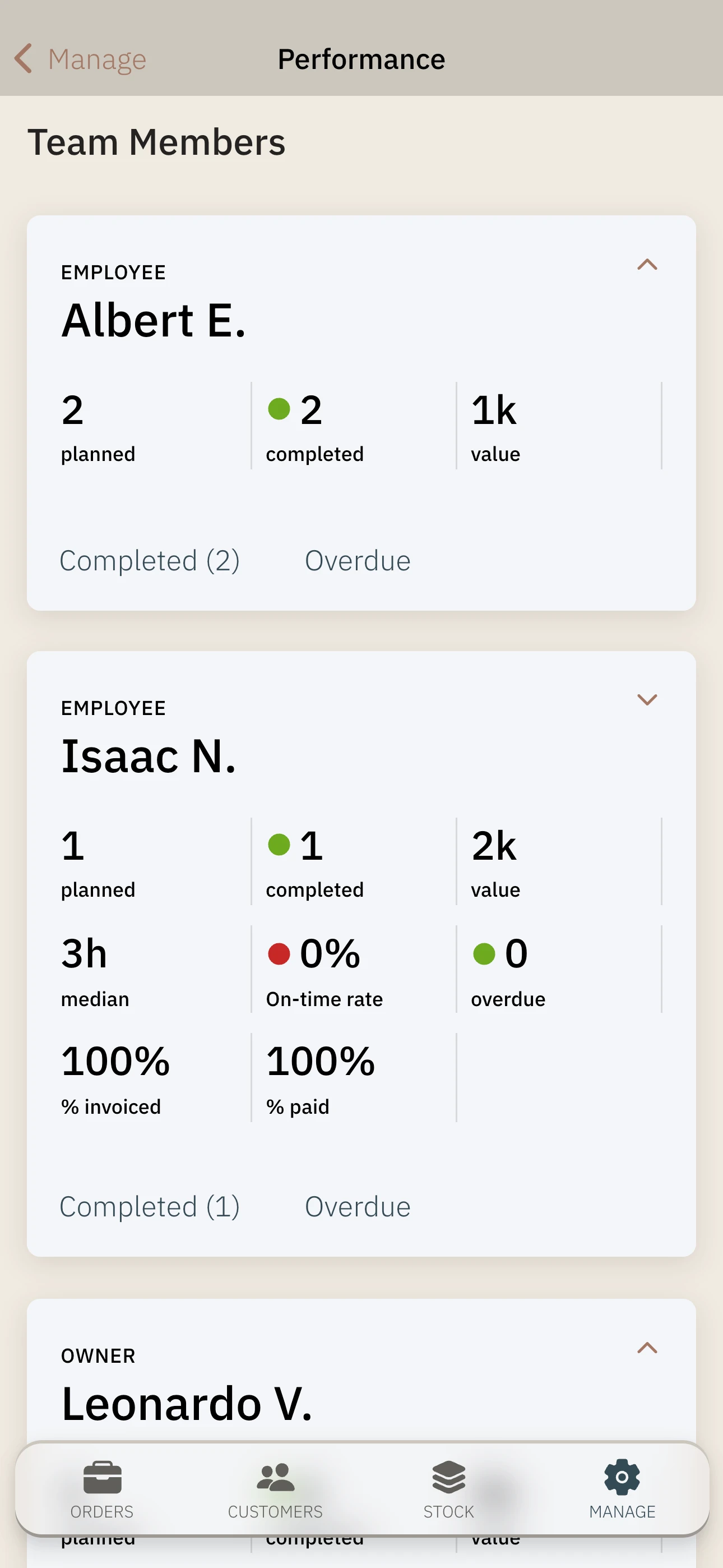
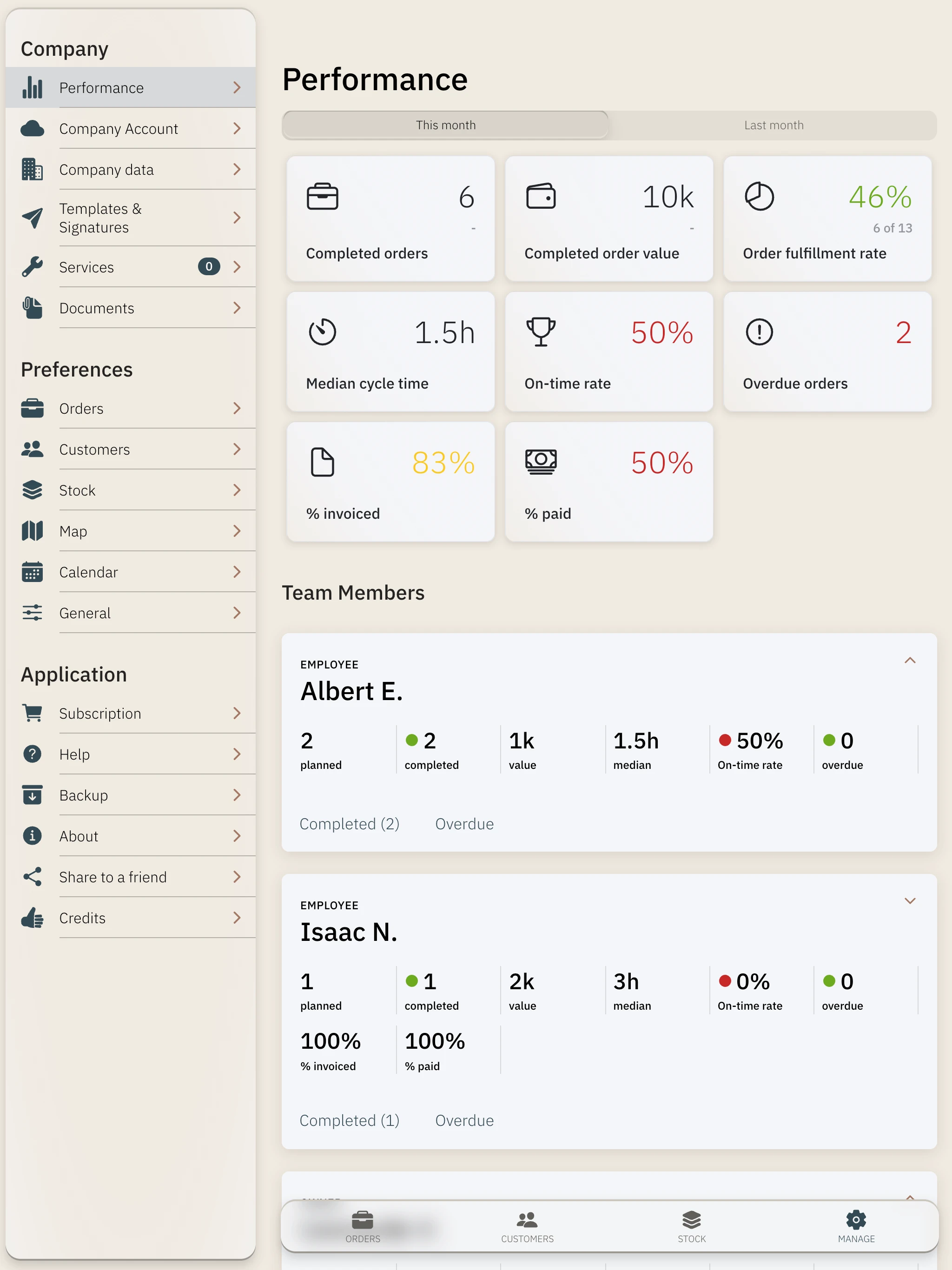
  • New Performance module with key company and team performance indicators - available in the Manage section, includes detailed analysis of completed and overdue orders, results can be exported to PDF
  • The customer can provide a handwritten signature on the device screen - which will be added to the estimate or service report
  • PDF documents can now include your company logo - you can set them in Manage → Documents
  • New "Go" action in the order quickly launches navigation to the customer's address
  • Recording the execution time of the order - when you mark an order as completed, a field with the execution time will be added; you can correct the date later.
  • Renamed the Settings tab to Manage and improved the organization of this section
  • New backup type that also includes documents - the file is larger, but it is additionally archived using ZIP. It is best used for transferring data to another device.
  • bug fixes, UI improvements, and component updates
v5.5
  • in team plans, you can add a new role to the team - Subcontractor - and control the orders they fulfill for you - create a new team invitation by selecting this role. Your Employees can now assign orders to Subcontractors.
  • in team plans, you can define the scope of visible data for the Employee role - available after selecting Permissions on the Employee card in the My Team window
  • bug fixes, UI improvements, and component updates
v5.4
  • you can export any filtered list of orders to a PDF document or a spreadsheet - available on the order list in the action menu in the top right corner; in the export options, you can decide which data the report should show.
  • bug fixes and component updates
v5.3
  • added 'every half year' period when creating recurring orders
  • bug fixes and component updates

Description

Running a service business and drowning in sticky notes, spreadsheets and scattered reminders? At your service is your mobile assistant that keeps orders, clients and daily work organized — no complex systems needed. PLAN & COMPLETE ORDERS Create one-time and recurring orders. Browse them as a list, calendar or map. The day view shows your schedule with available time slots, and the app suggests the next free slot — including your phone's private calendar. Every order holds everything in one place: • Services with cost breakdowns and pricing components • Documents, photos and links • Ready-to-use PDF templates: Cost Estimate, Service Report, Invoice • Parts and materials taken from inventory • Customer devices assigned to the order • Status tracking: done, invoiced, paid • Reminders, notes, payments Filter orders by date, status, customer group or service type. Select multiple orders for bulk actions: update statuses, show on map, export to file or send messages to customers. CUSTOMER KNOWLEDGE BASE Every customer — individual or company — has a full profile with order history, payments, devices, documents and notes. Add customers manually, from phone contacts, by tax ID or CSV import. Organize them into groups and manage multiple phone numbers and email addresses. Contact them in one tap: call, text, email or navigate to their location. Spot overdue payments instantly with the debtor filter. INVENTORY & PARTS Track devices, spare parts and materials by category. Monitor stock levels. Pull parts into orders with automatic stock control. Define custom fields and use the barcode/QR scanner. Import data from CSV. MESSAGE & DOCUMENT TEMPLATES Build message templates with dynamic variables (customer, order, company data). Send personalized messages to one or many customers. Set SMS and email signatures. Generate PDF documents from templates and organize them into groups. Add your company logo to generated PDF documents and let customers sign on screen. Their handwritten signature can be included on cost estimates and service reports. TEAMWORK Invite employees and subcontractors. Assign orders to specific team members. Everyone gets the right access level — Owner manages, Employee and Subcontractor execute. Data is shared in real time. PERFORMANCE & INSIGHTS Keep track of your business and team with essential performance indicators. Analyze completed and overdue orders, including a breakdown for each team member, and export the results to PDF. SECURE & ALWAYS AVAILABLE Real-time cloud sync across up to 3 devices per user. Work offline — data syncs automatically when you reconnect. And if you work without the cloud, create backups manually or automatically and restore when needed. MAKE IT YOURS Customize order and invoice numbering, working hours, week start day, currency, light/dark theme and interface language (EN, PL, DE, FR, ES, PT). Define your own service catalog with pricing and cost components. WHO IS IT FOR? For sole proprietors, micro and small service businesses. Try it for free and decide if it fits your work.

Support

Contact: hi@dartu.app

Languages

GermanEnglishSpanishFrenchPolishPortuguese
Available in your language