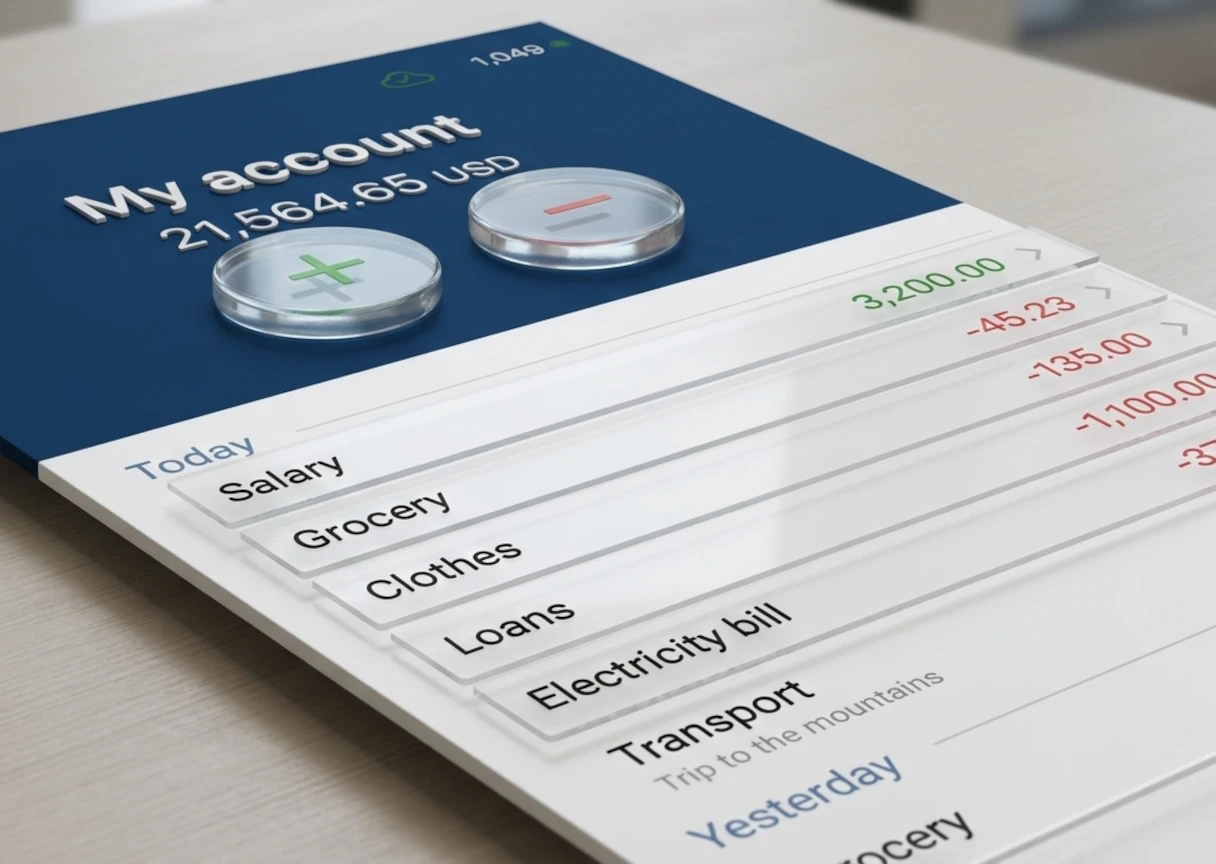
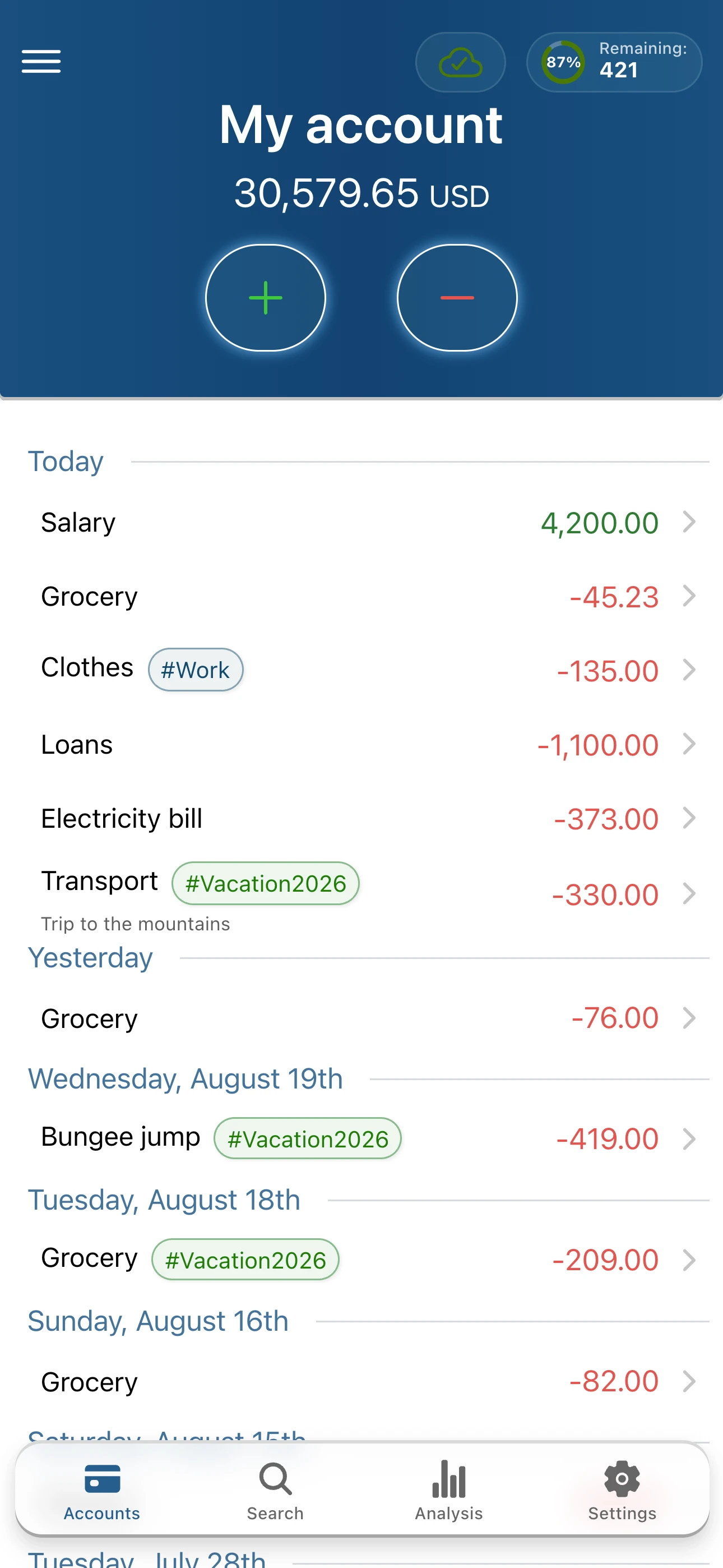
My treasury helps you stay on top of everyday home finances without the mess of notes, spreadsheets, and paper receipts.
TRACK EXPENSES AND INCOME IN SECONDS
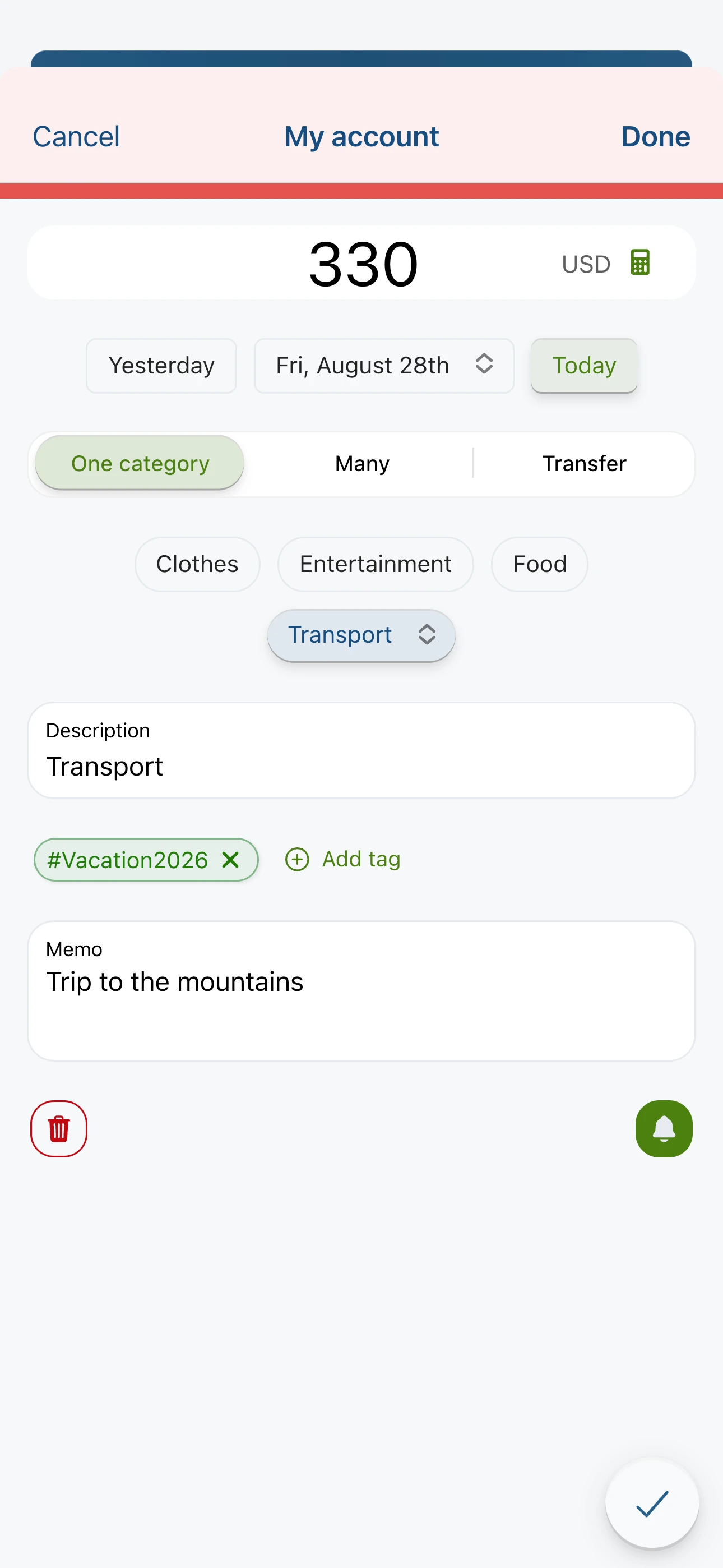
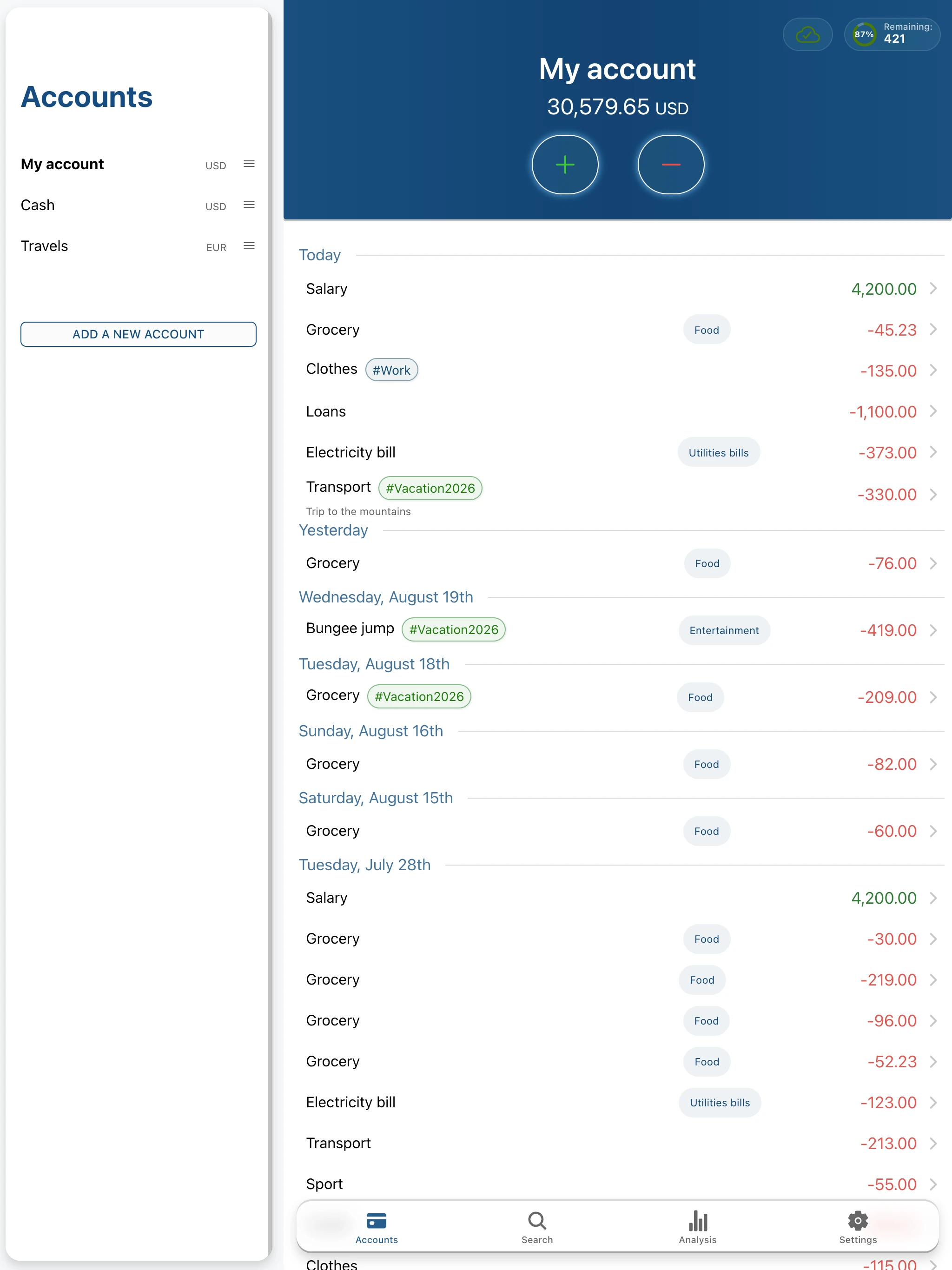
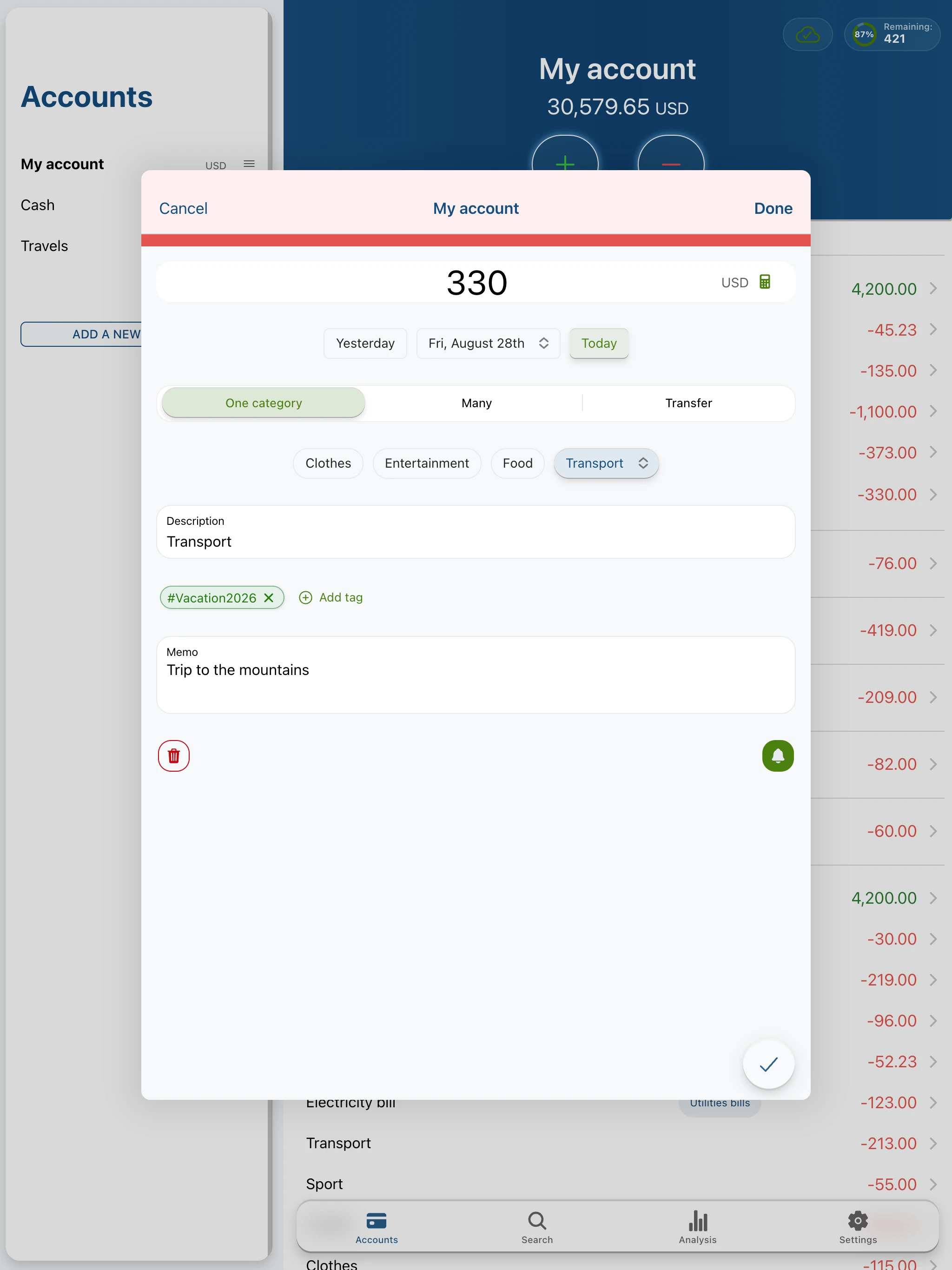
- add transactions even faster with a refreshed, more ergonomic form,
- use categories, tags, notes, and smart suggestions,
- create new tags while adding a transaction or later in settings,
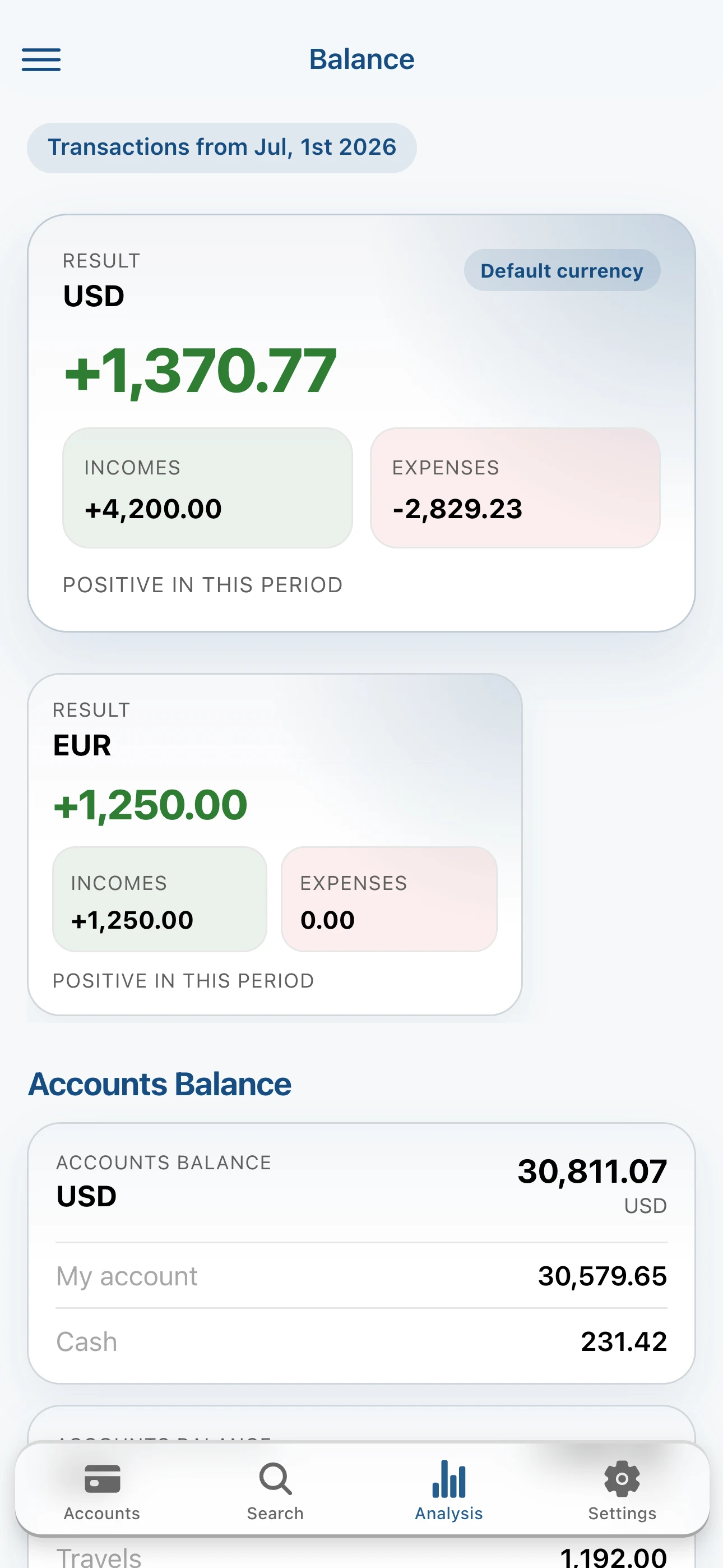
- manage as many accounts as you need: cash, bank account, savings, and more,
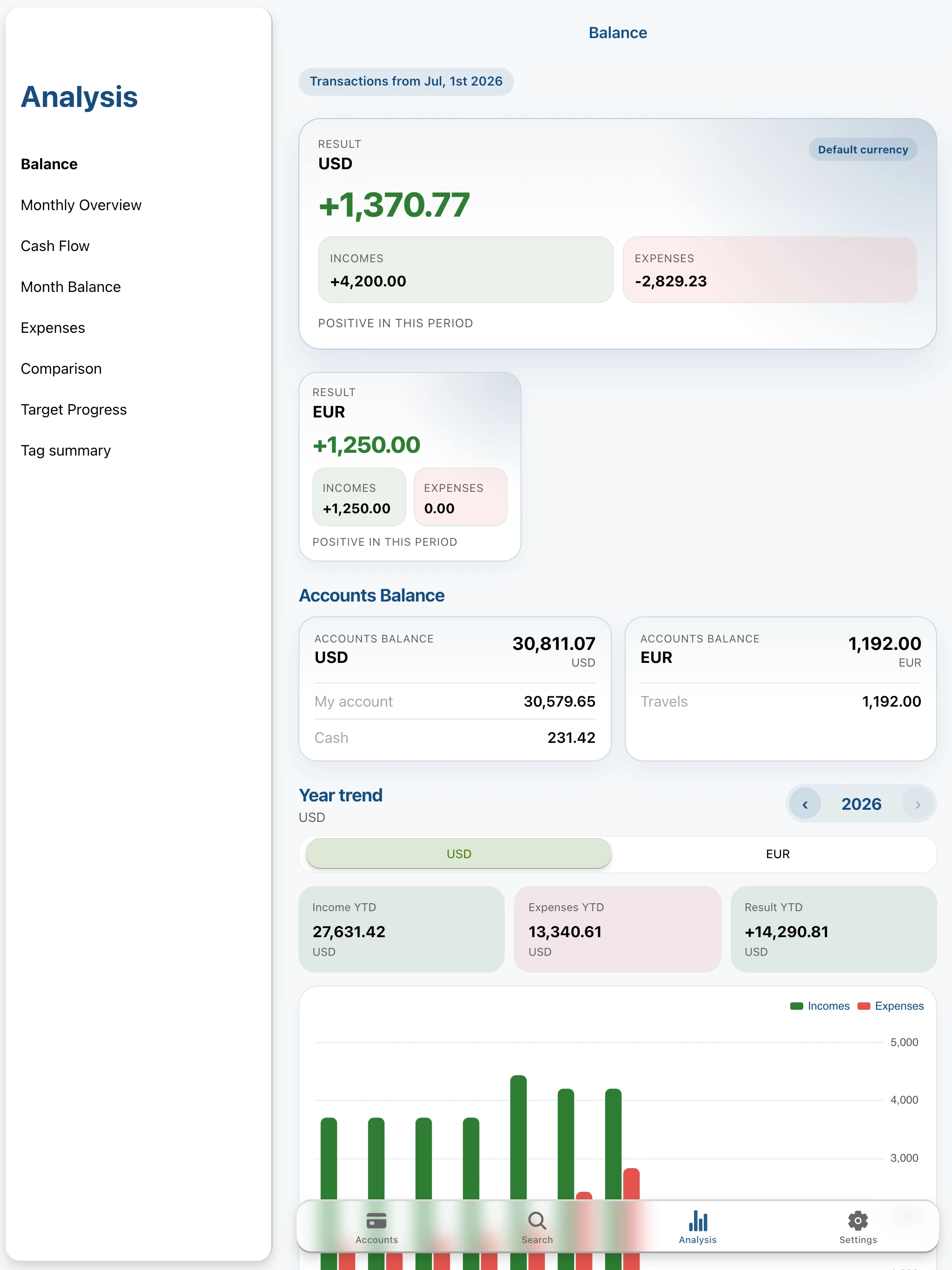
- work with different currencies,
- share accounts with a trusted person or another device in Premium.
STAY IN CONTROL OF YOUR BUDGET AND BILLS
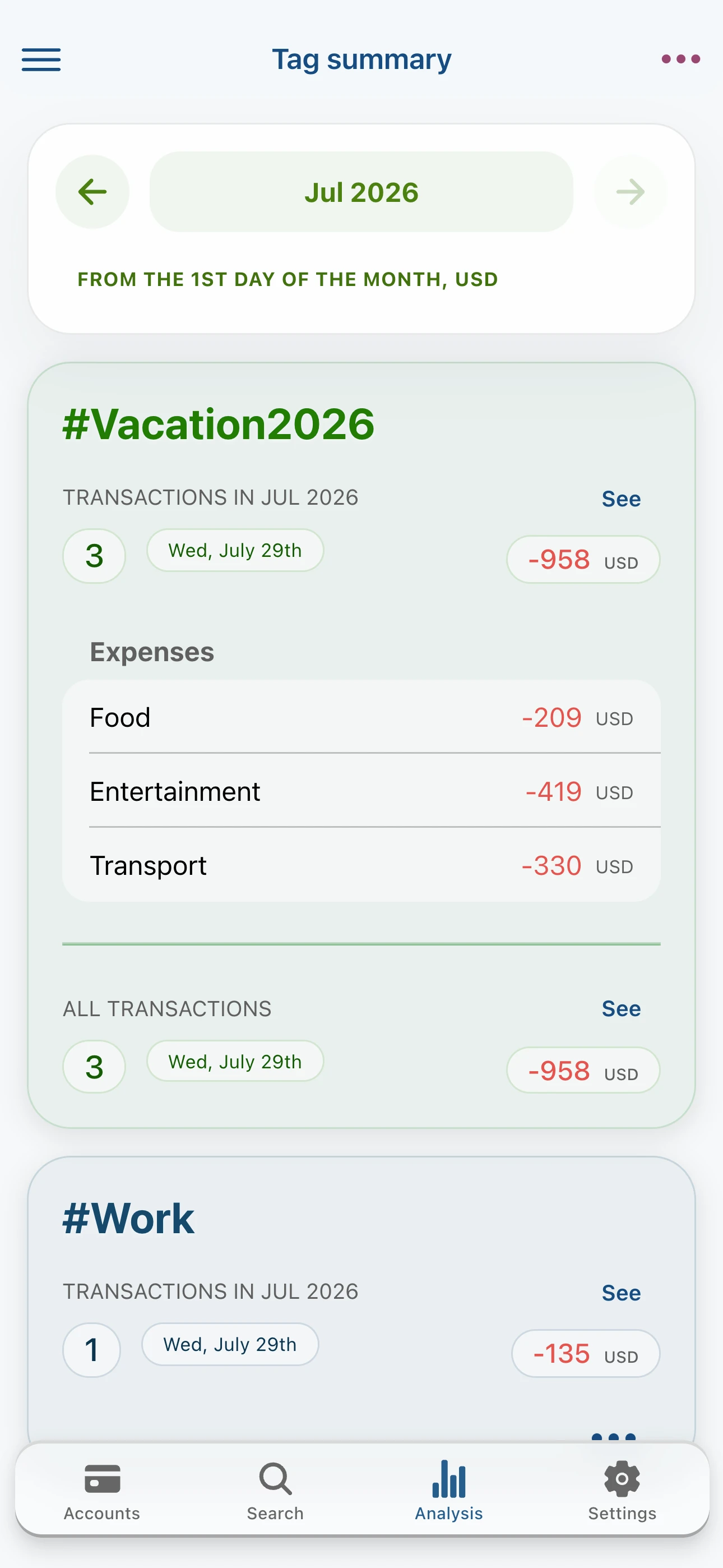
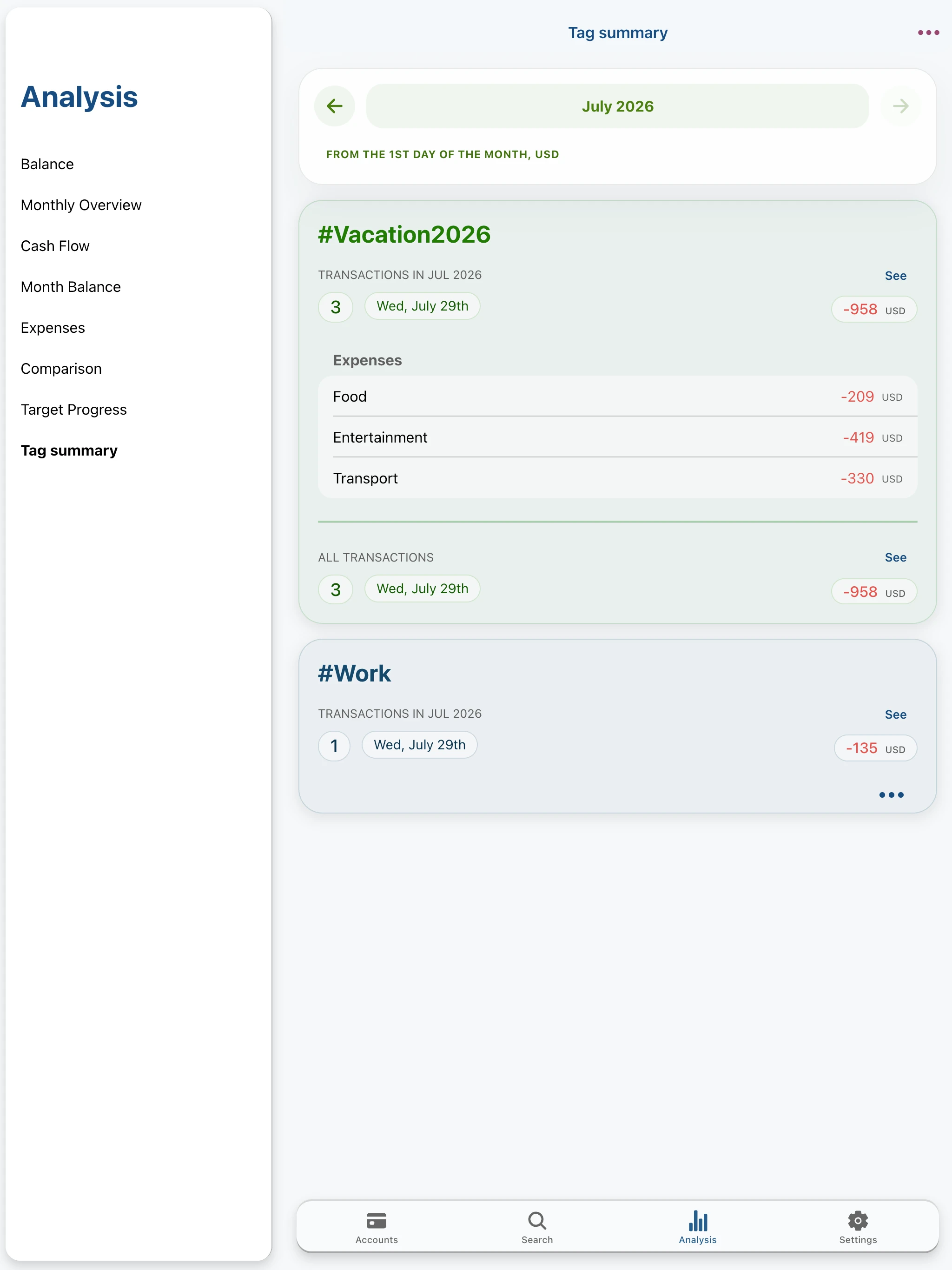
- use tags to group expenses and income around your own themes,
- set monthly spending limits,
- track progress toward your goals,
- get alerts when you get close to your limits,
- create one-off and recurring bill reminders,
- set your payday and analyze your budget on your own cycle.
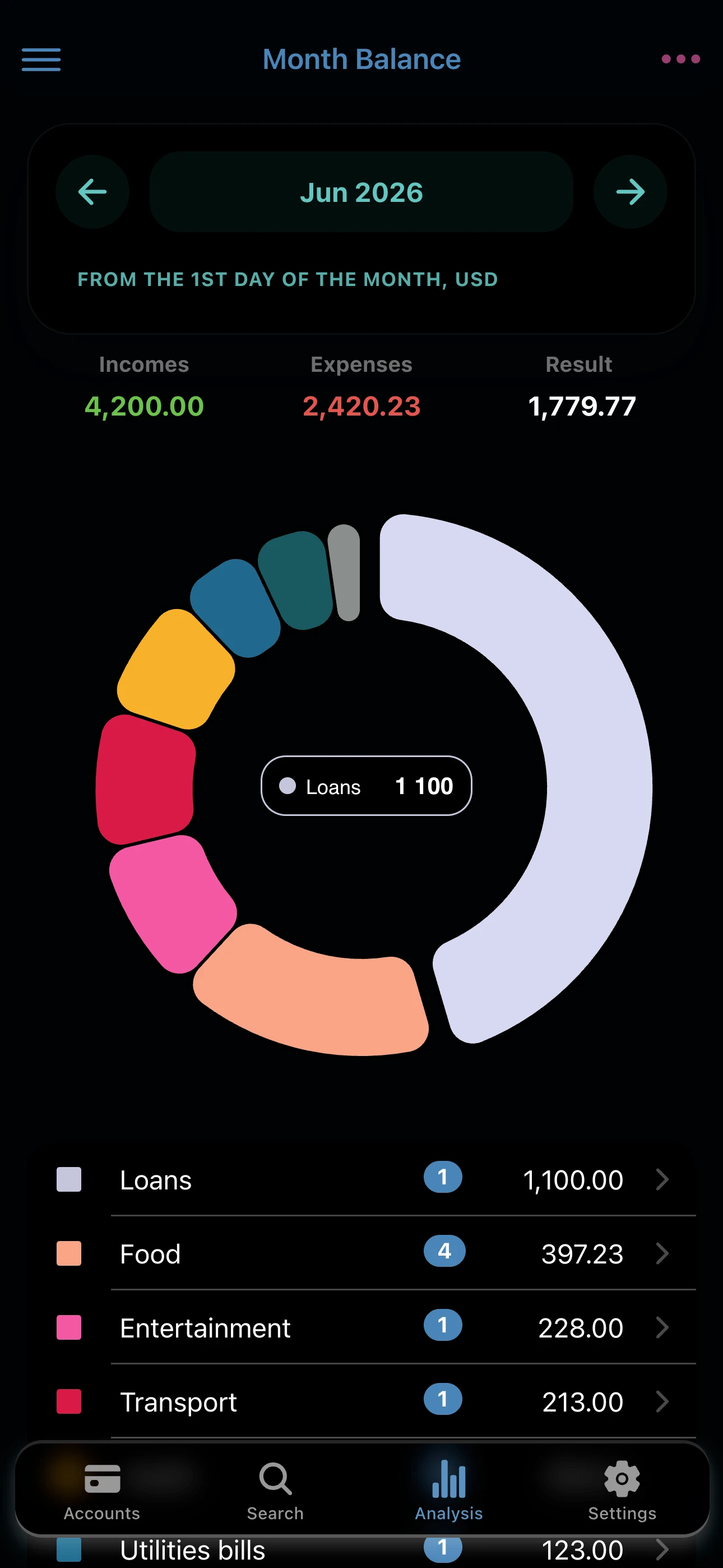
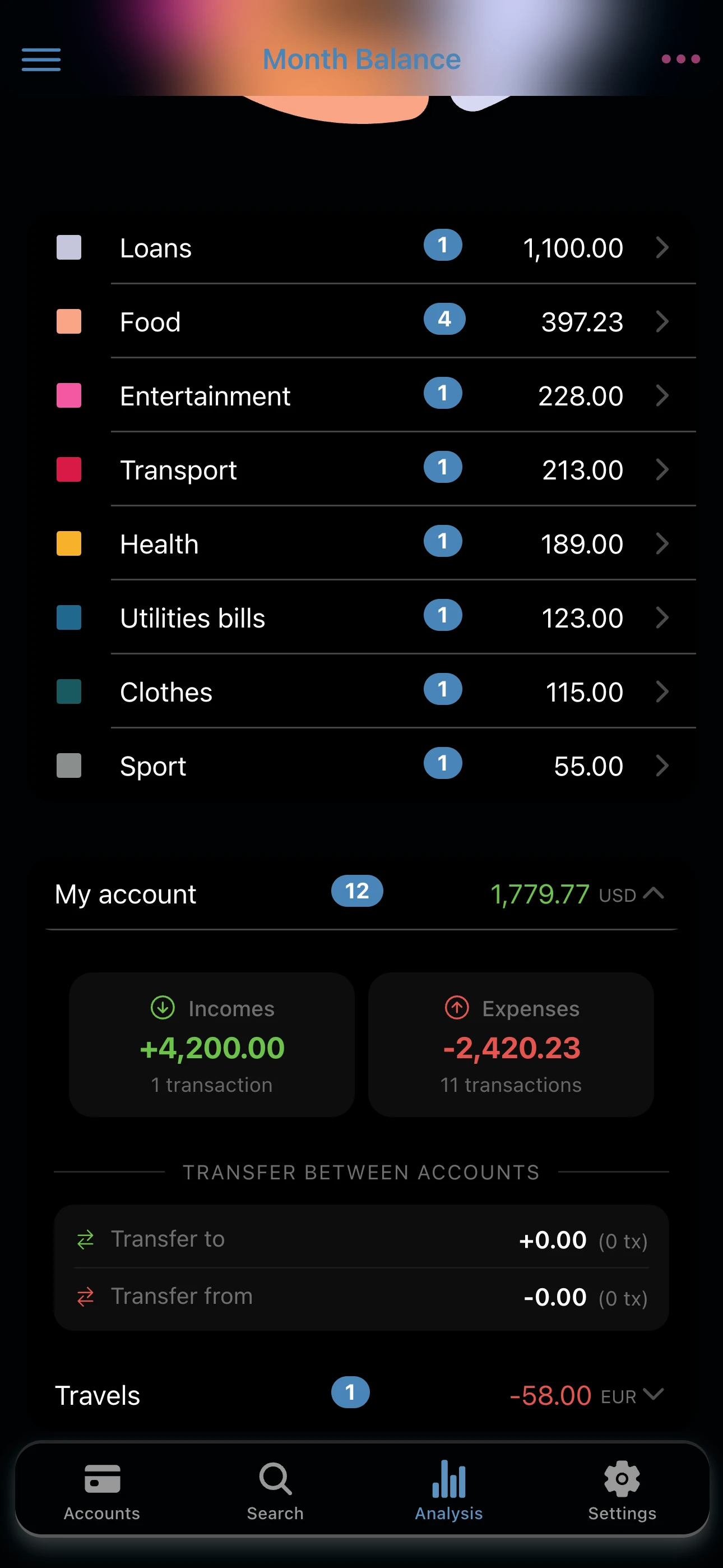
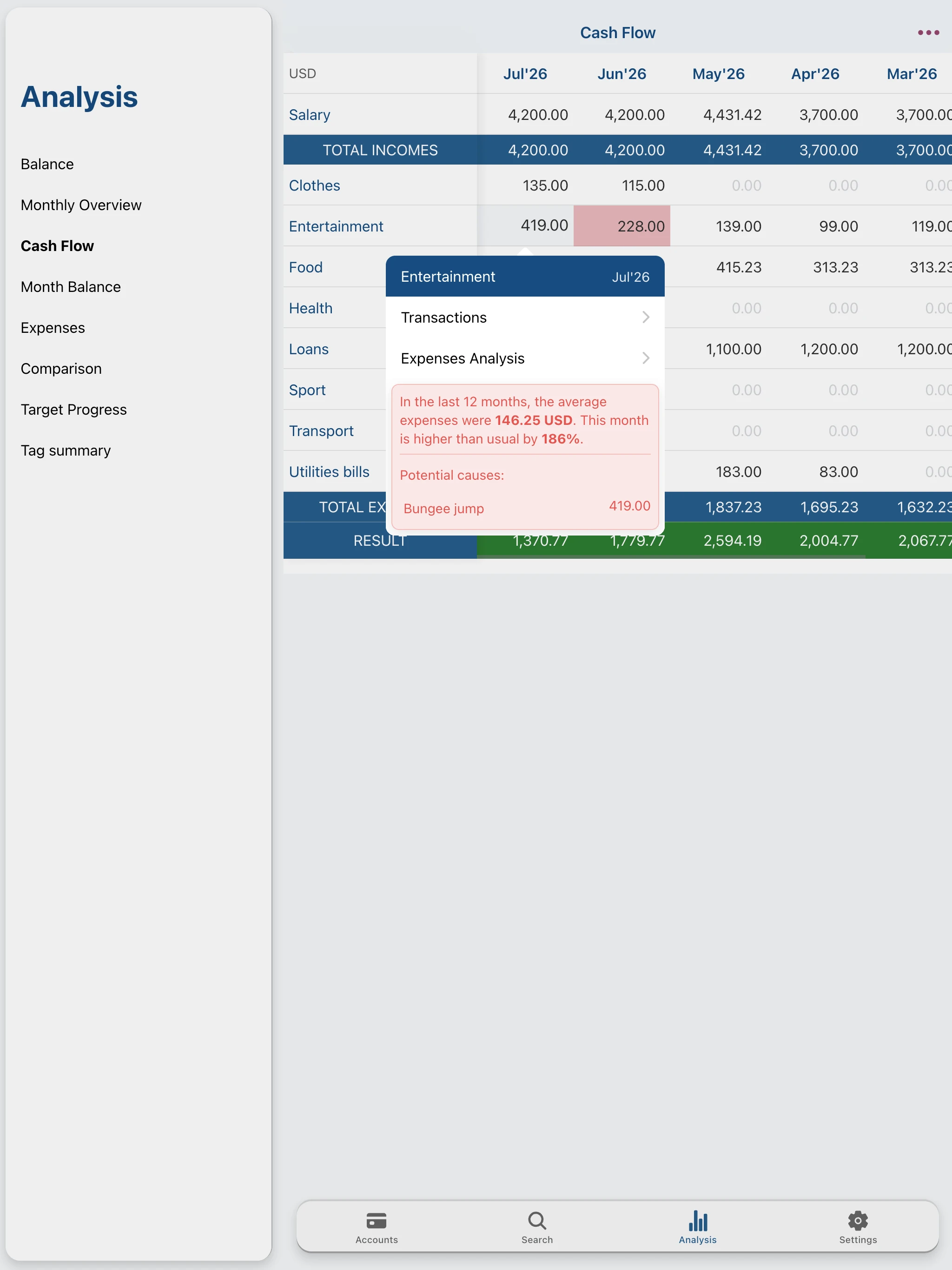
SEE WHERE YOUR MONEY GOES
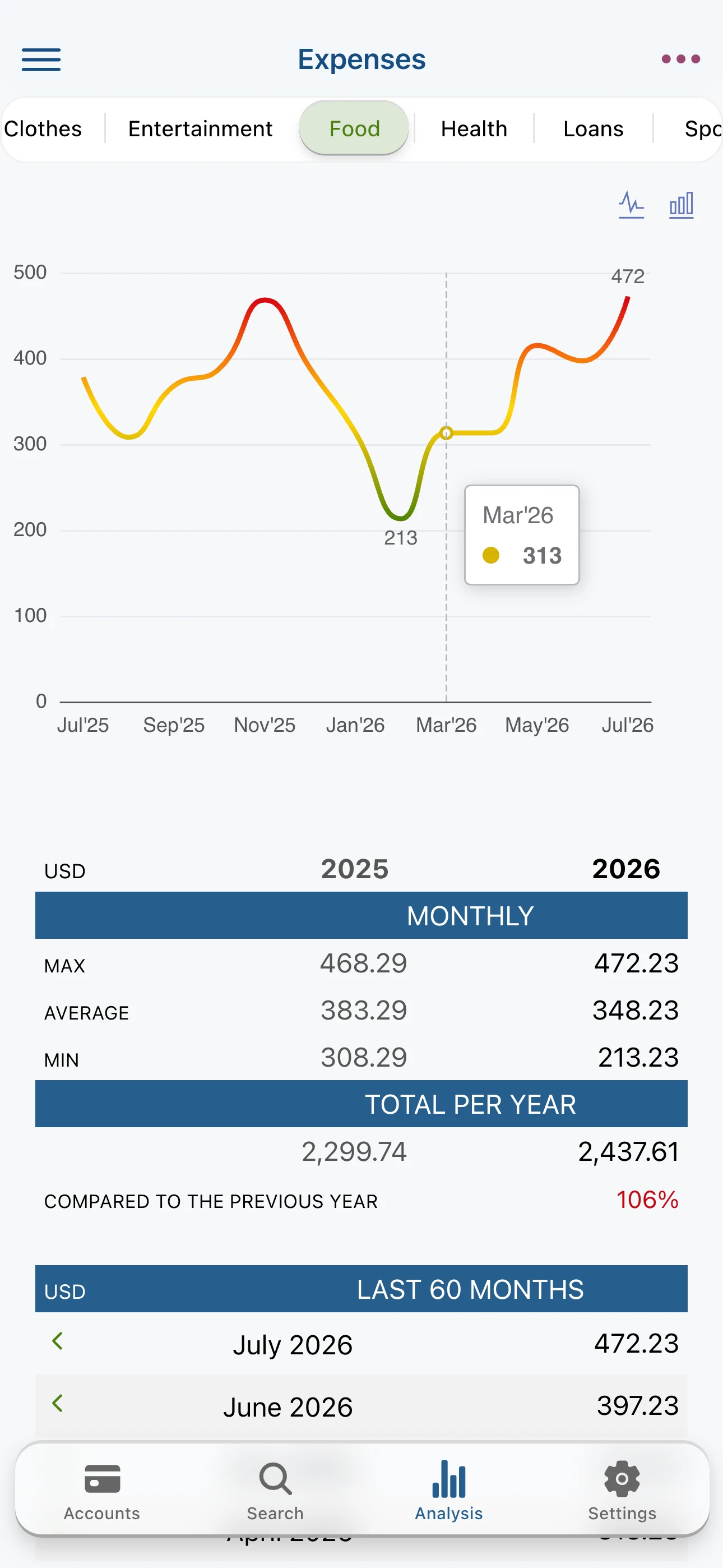
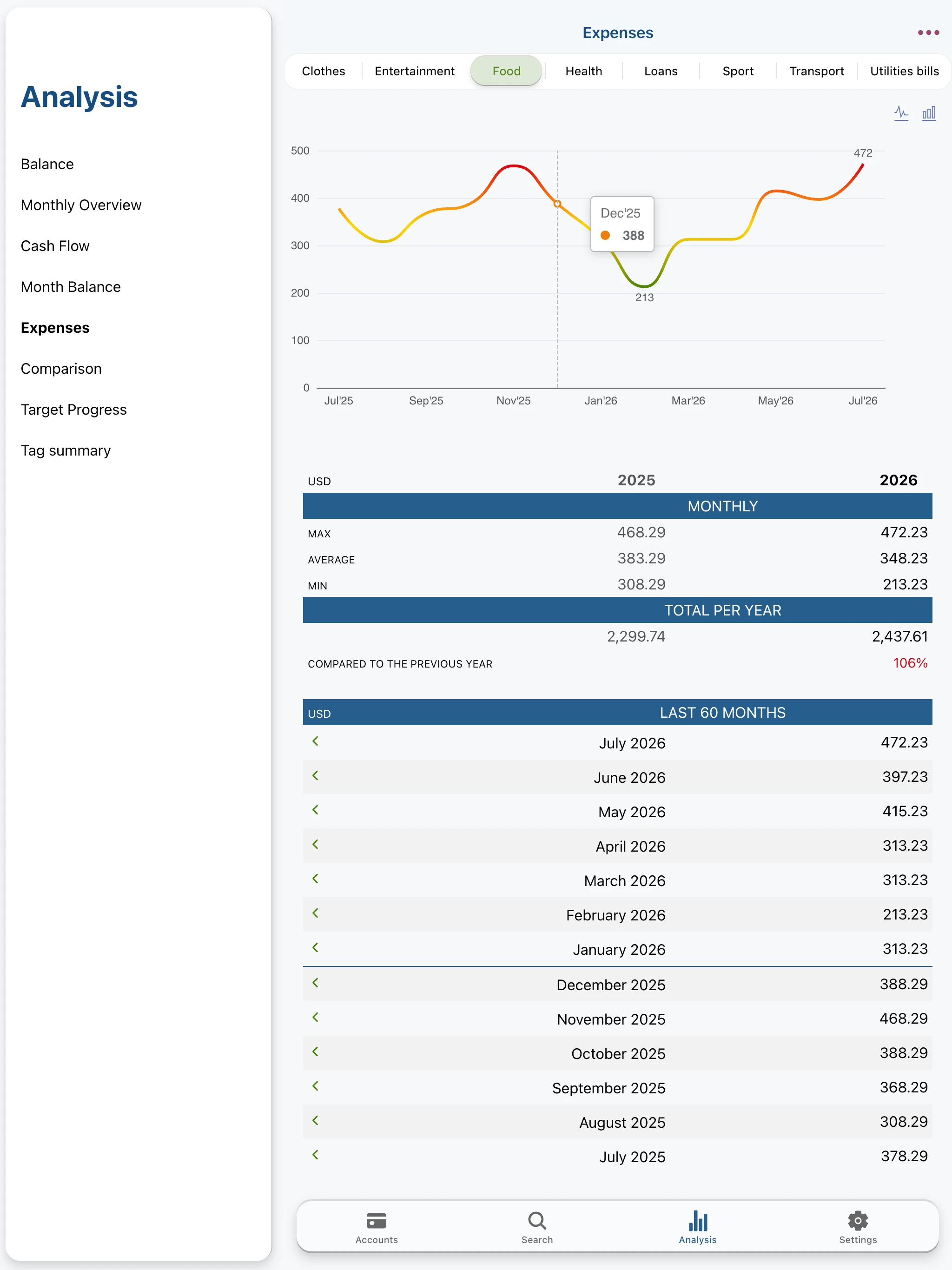
- review spending history by category,
- analyze monthly and yearly results also by tags,
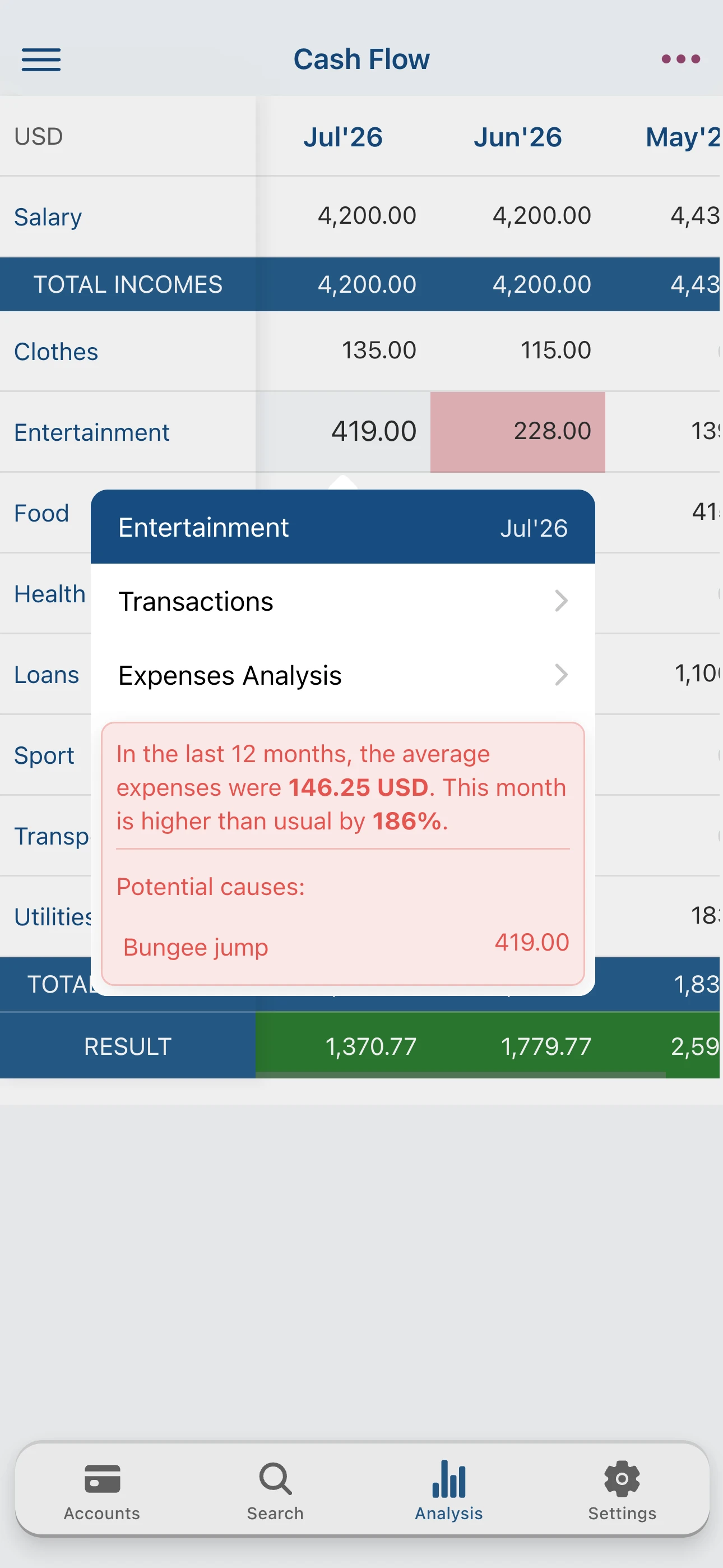
- get insights on unusual expenses,
- compare periods side by side,
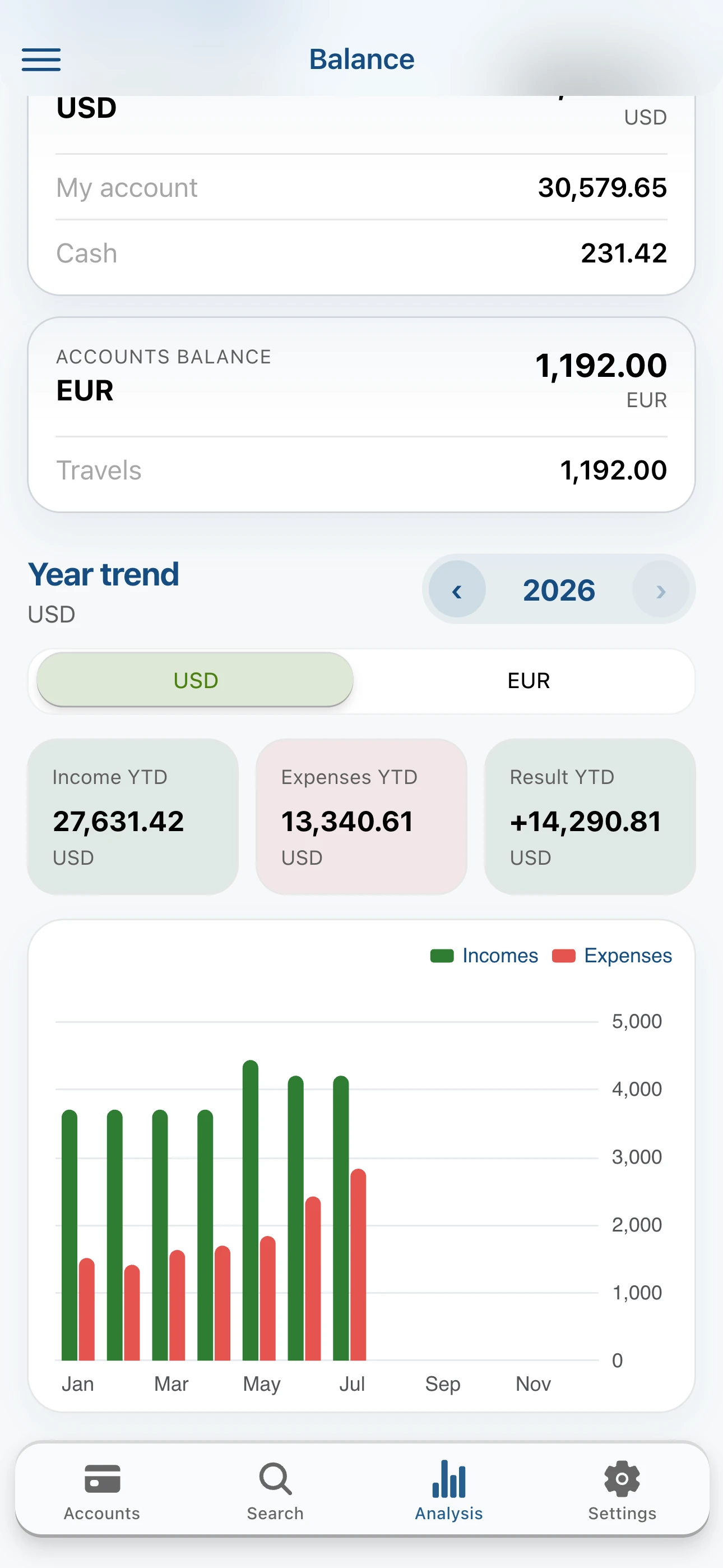
- check all account balances in one place,
- export transactions to CSV for deeper analysis.
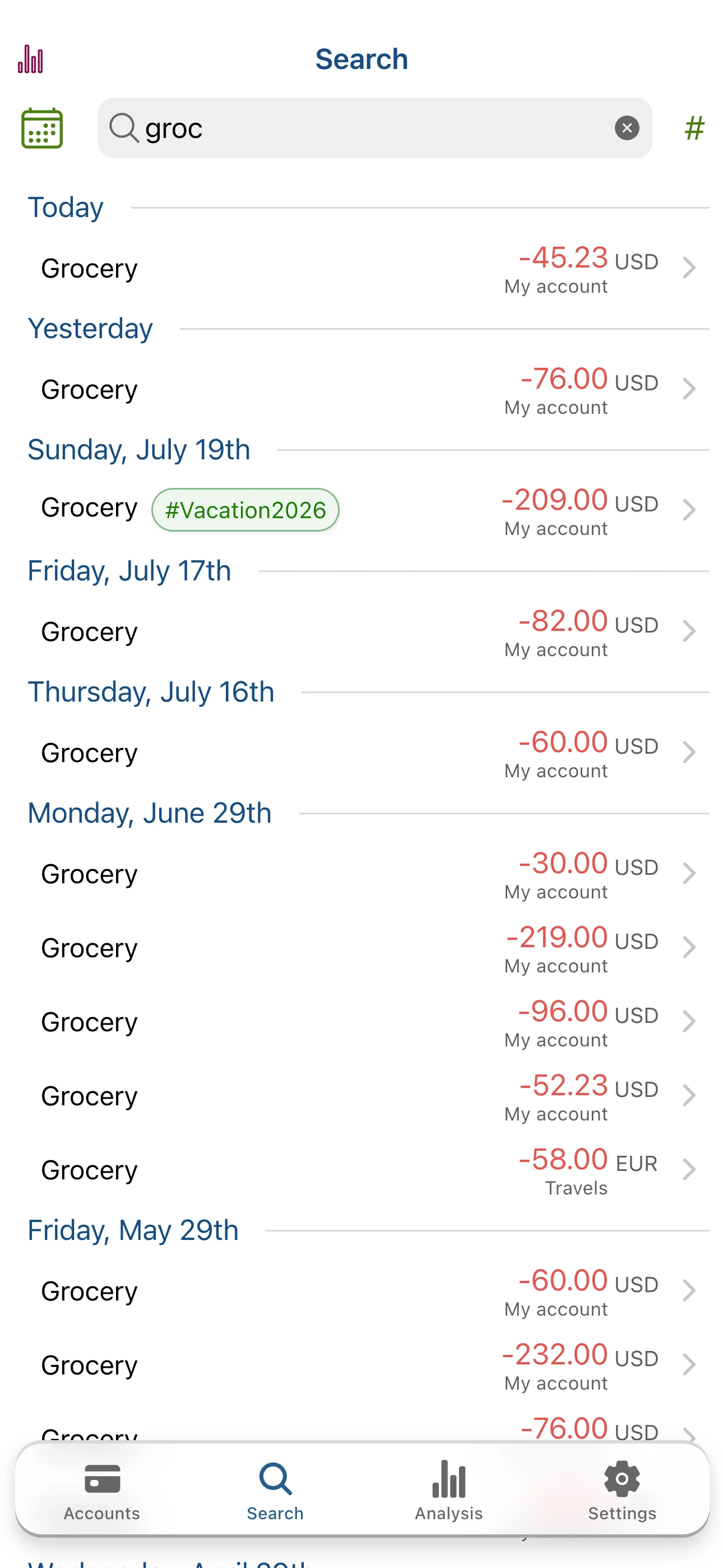
FIND ANY TRANSACTION FAST
- search by description, tags, note, date, category, and more,
- go back to older expenses without digging through history manually.
KEEP YOUR DATA SAFE
- protect the app with an access code,
- create backups and restore data when you change phones,
- save backups wherever you want, including the cloud.
You start with a ready-to-use account and sample categories, so you can begin right away. Adding a new expense takes only a moment, and tags, smart suggestions, and the refreshed form make everyday tracking even faster.